Gaming
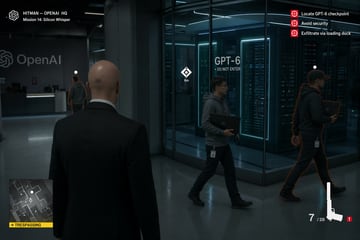
Hitman gameplay — OpenAI HQ
A Hitman level where you are in the OpenAI HQ and your mission is to steal GPT-6 without getting caught
gpt-image-2
App UI Mockup prompt for ui mockups, ready to edit and generate in Image2Studio.
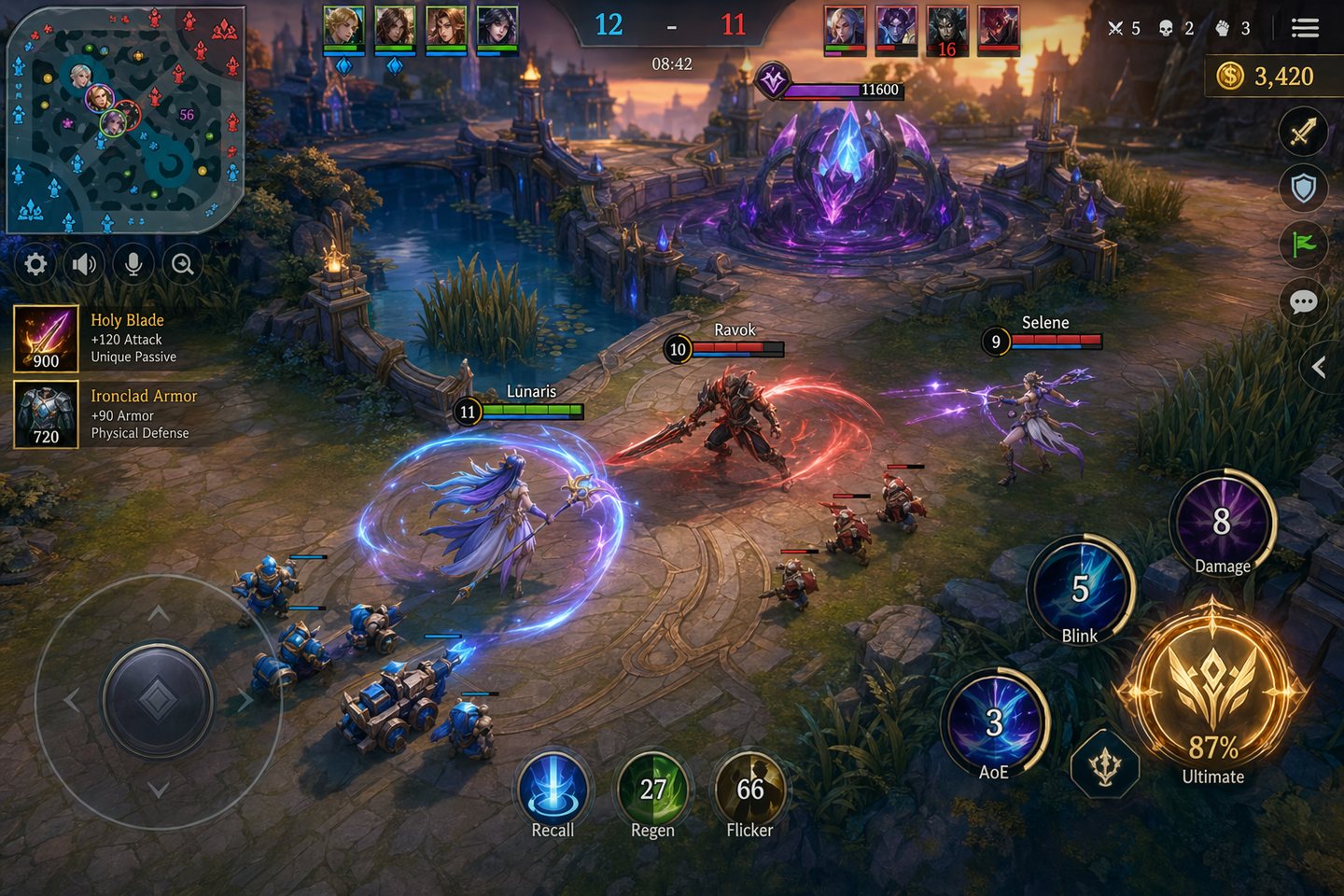
Create an original landscape mobile MOBA / action-RPG gameplay screenshot, inspired by competitive lane-battle games but not copying any existing franchise. 16:9 landscape, polished mobile game HUD. Scene: a bright fantasy arena at golden-hour dusk, three stylized heroes clash near a central river bridge and glowing crystal objective. Camera: slightly elevated isometric third-person gameplay view, readable battlefield lanes, minions, spell effects, terrain brush, turret silhouettes, and a boss-objective pit in the distance. HUD design: bottom-left translucent virtual joystick, bottom-right four circular ability buttons with cooldown numbers, ultimate button glowing but 87% charged, top-center score bar reading "12 - 11", match timer "08:42", team health bars, mini-map in the top-left, item quick slots, gold counter "3,420", clean mobile-safe margins, crisp icons, no real game logos. Art direction: premium anime-fantasy 3D mobile game, saturated teal / gold / violet palette, sharp readable UI, dynamic spell VFX, high-detail materials, readable text, screen-capture feel, not a poster, not a mockup board.
Use this Mobile MOBA arena HUD prompt as a base. Replace the subject, product details, environment, lighting, brand colors, and output ratio while keeping the app-ui-mockup intent and luxury, 3d-render, photorealistic, anime direction stable.
Choose the frame for the destination first, then use 1K, 2K, or 4K based on output quality needs. Product images and posters usually benefit from higher resolution.
Mobile MOBA arena HUD works because it starts from the image job, then controls subject, composition, lighting, style, and frame. It is best for app ui mockup while keeping the luxury, 3d-render, photorealistic, anime direction stable.
Related prompts
A Hitman level where you are in the OpenAI HQ and your mission is to steal GPT-6 without getting caught
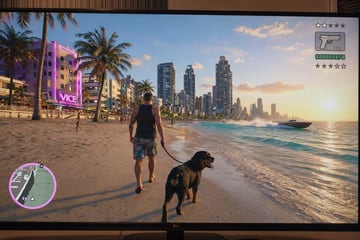
GTA 6 in-game footage, very detailed, very realistic. Close-up shot taken from a stationary 4k monitor. (There's a slight blurriness in the image, as it feels like it was taken handheld). A wide, bright environment. Realistic details. The character is walking on the beach with /:dog.

Create an original AAA dark-fantasy action RPG screenshot. A silver-haired monster hunter in layered leather armor stands in a ruined marsh at blue hour, sword drawn toward a huge winged swamp beast rising from mist. Cinematic over-the-shoulder framing, believable HUD with health, stamina, potion icons, quest text, and minimap. Wet stones, dead trees, torchlight, moonlit fog, subtle alchemy glyphs, highly detailed materials, dramatic but readable composition, premium next-gen game look, 16:9 landscape.
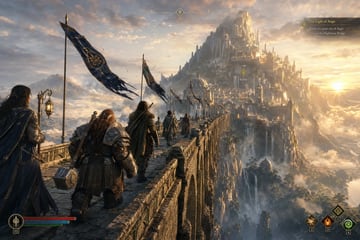
Create an original epic fantasy RPG key-art screenshot. A small fellowship of travelers crosses a colossal ancient stone bridge toward a luminous mountain city at sunrise. One ranger leads, a mage carries a lantern, a dwarf-like smith bears a hammer, and banners whip in the wind. Vast valley below, waterfalls, golden clouds, weathered masonry, cinematic scale, subtle HUD quest marker and compass, richly detailed armor and environment, AAA fantasy adventure tone, 16:9 landscape, highly detailed and uplifting.
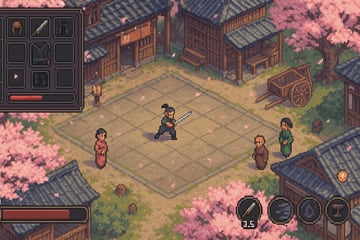
Create an isometric pixel-art RPG screenshot of a traditional Japanese village during cherry blossom season. Sakura petals drift through the air, a samurai player character practices sword moves in the square, villagers watch nearby, and the interface includes an inventory panel, stamina gauge, skill cooldown timers, and subtle quest UI. Cozy retro console feeling, soft ambient pastel lighting, crisp pixel details, 16:9 gameplay composition.
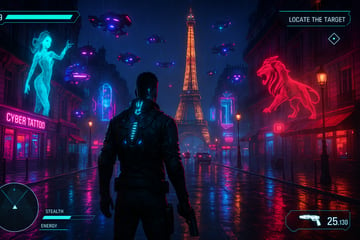
Create a third-person cyberpunk action game screenshot set in a neon-soaked European capital at night. The protagonist has glowing cybernetic implants and stands on rain-slick streets near a famous landmark while holograms, drones, and flying traffic crowd the skyline. Add a polished game HUD with health bar, ammo count, radar, stealth/energy meters, and mission overlays. Vivid cyan-magenta palette, wet reflections, cinematic intensity, 16:9.