Image2Studio

GPT Image 2 Studio for Product Photos, Posters, Ads and UI Mockups

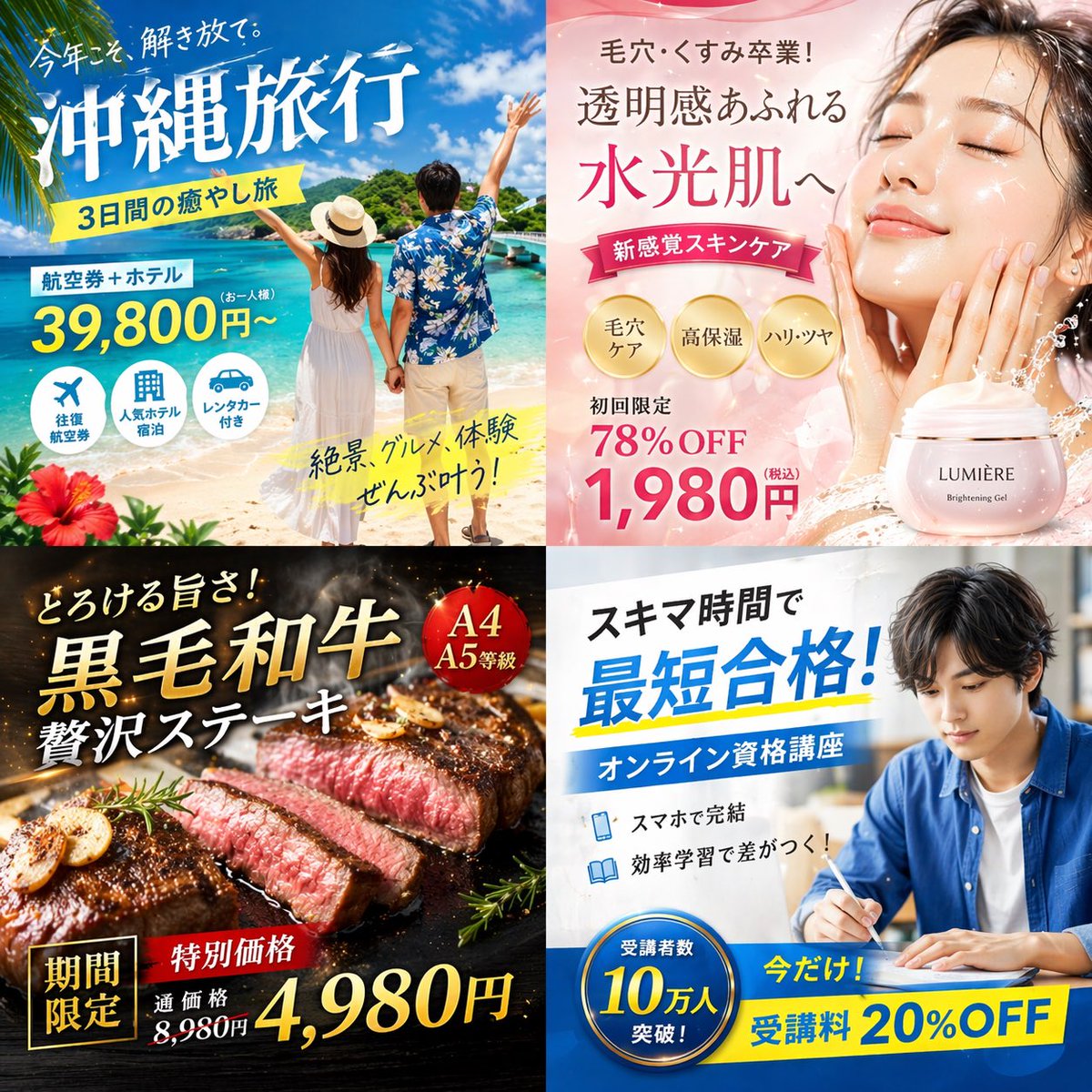
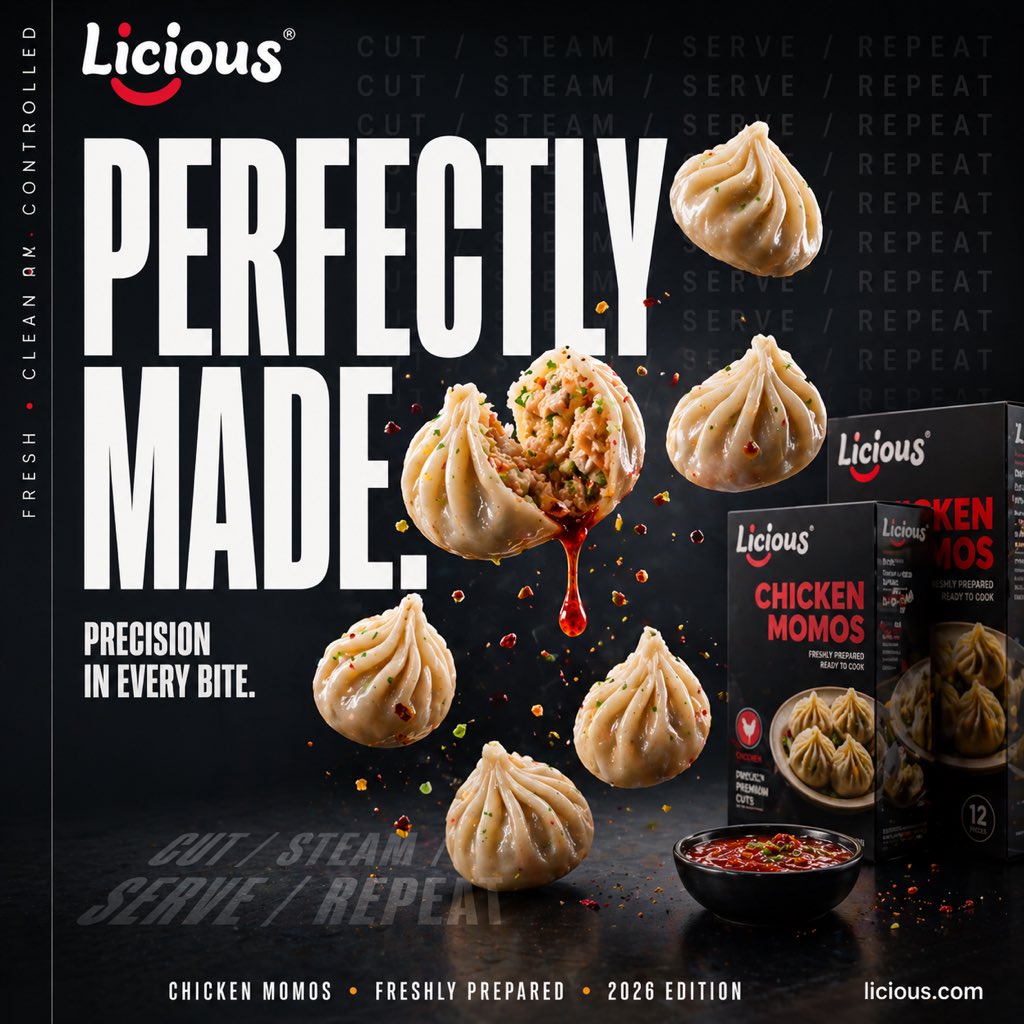
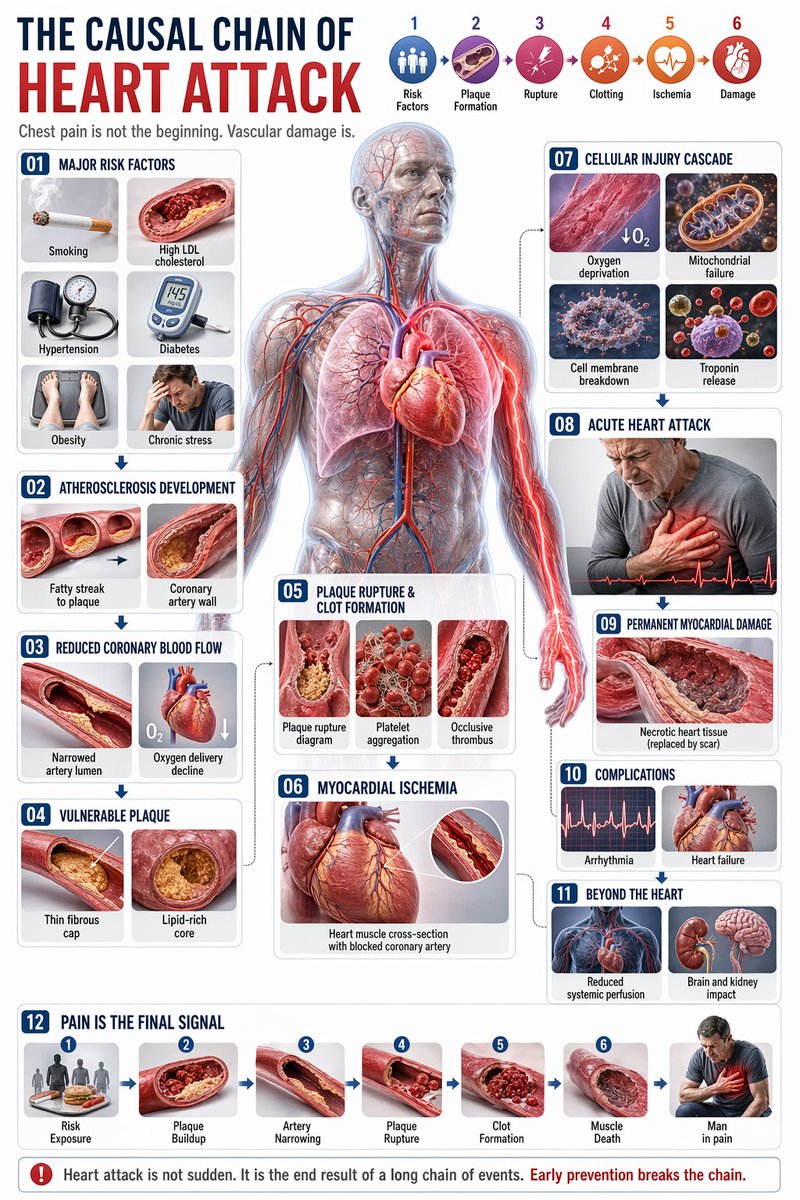
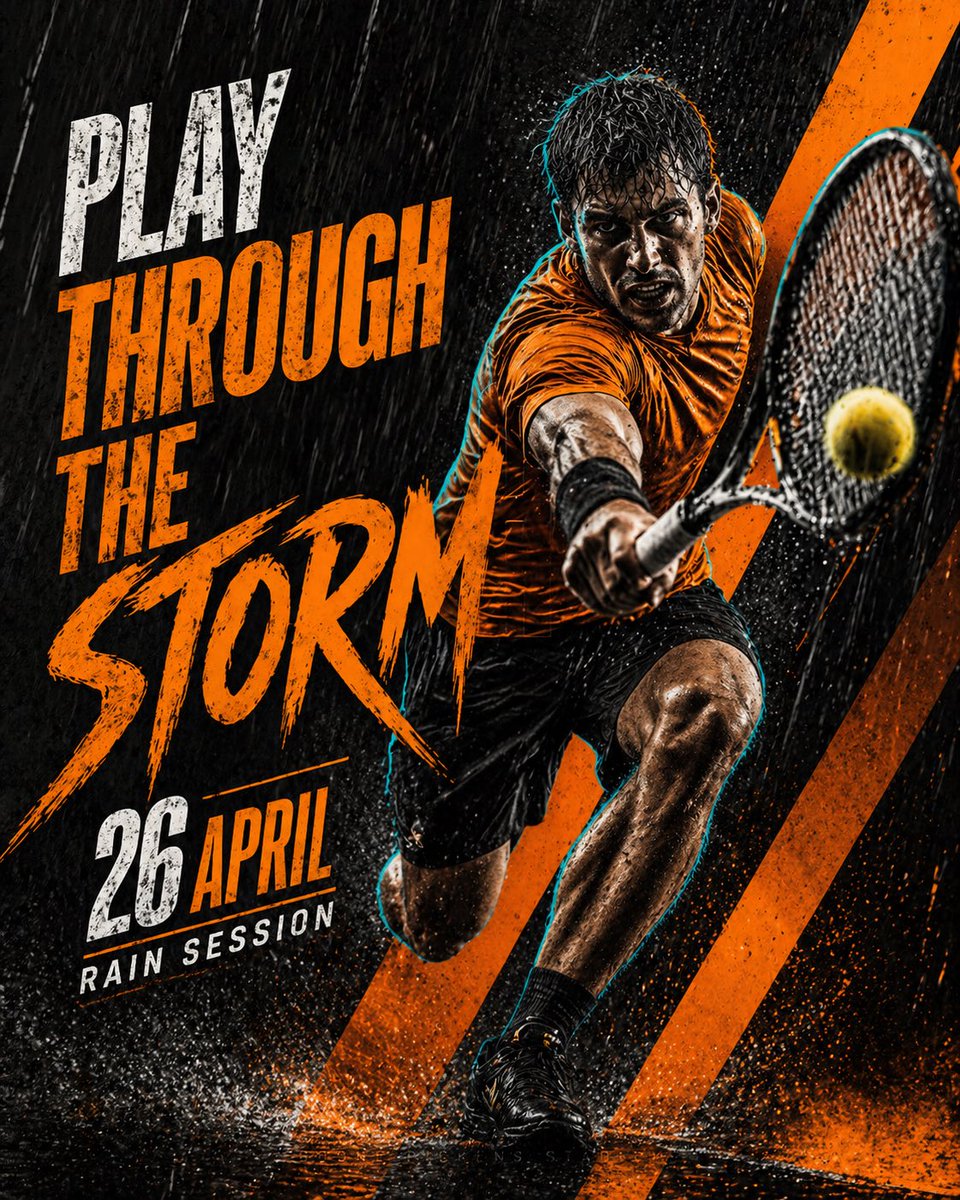
Plan, rewrite, and generate GPT Image 2 visuals from reusable prompt examples for ecommerce product shots, launch posters, social ads, app UI mockups, infographics, thumbnails, and character concepts. Credit cost stays visible before generation, and finished work stays connected to the prompt.

Prompt library, generation workbench, and saved image archive in one product workflow

Create a product hero shot, launch poster, ad creative, or UI mockupGenerate

Built for repeatable image production.

Image2Studio turns prompt discovery into a complete generation flow: start from real examples, adapt subject, scene, lighting, and frame, review cost before submitting, then save the image with its source prompt.

01Prompt library
02Use-case pages
03Copy-ready templates
04Ratio and resolution
05Visible credit cost
06Saved archive

Reusable prompts.Structuredworkflows.Saved visuals.

Organized around the image jobs teams search for.

Public content is mapped to real search intent: product photography, ad creatives, posters, UI mockups, infographics, avatars, thumbnails, and ecommerce visuals.

product-photography

Ecommerce

Define product, material, surface, lens, and selling context.

social-ads

Campaign

Leave text-safe space for hooks, paid creatives, and platform crops.

poster-design

Poster

Control subject, hierarchy, title area, palette, and visual mood.

ui-mockups

Product

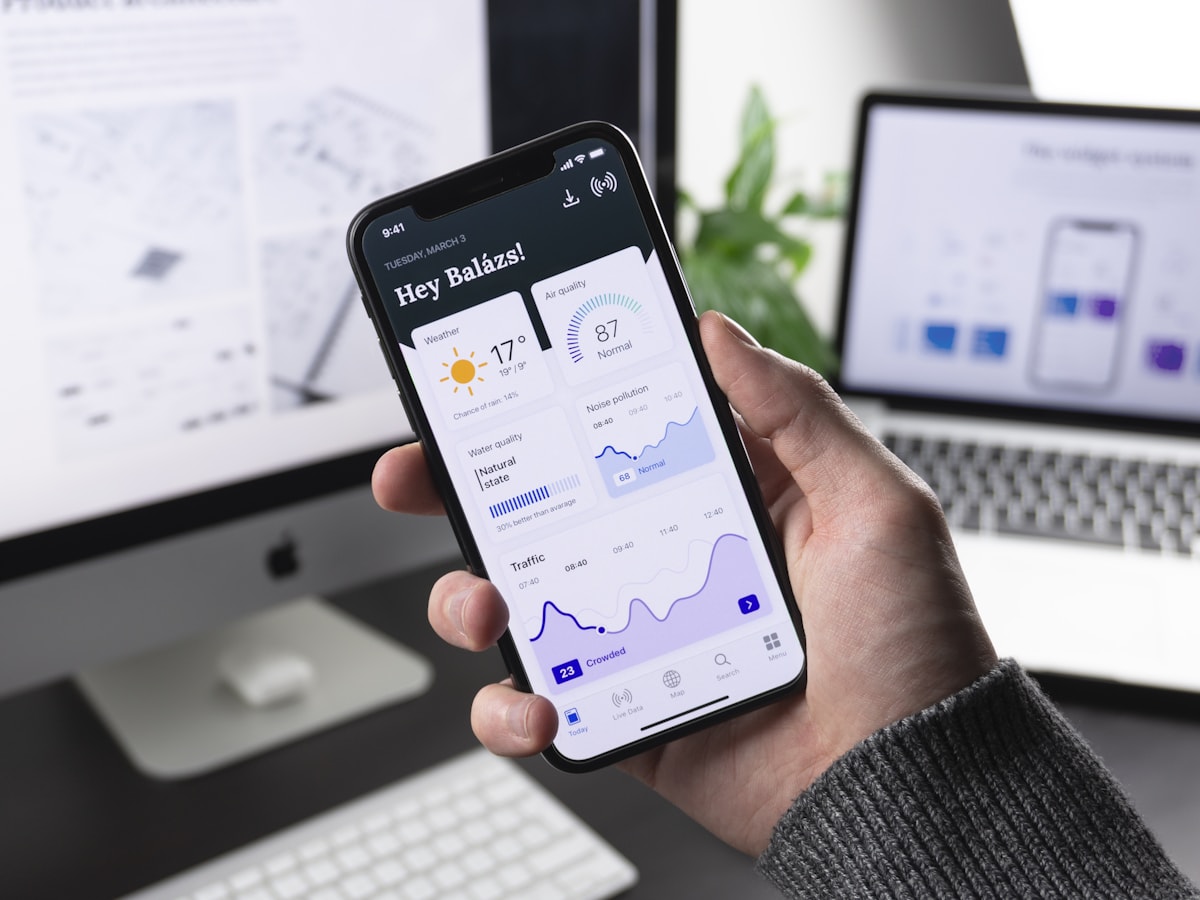
Generate app screens, SaaS dashboards, and product demo visuals.

infographics

Explainer

Describe diagrams, labels, flows, maps, and educational layouts.

prompt-library

Library

Browse reusable examples by model, category, style, and use case.

saved-works

Archive

Keep generated images and source prompts in one record.

visible-cost

Credits

See the credit cost before submitting a generation job.

prompt-tools

Tools

Use generators, optimizers, and converters before opening the studio.

Public content that leads into the studio.

Visitors can inspect examples, copy prompts, or use tools first. When they are ready to generate, the studio asks for frame, resolution, and visible credit cost before submission.

Generate an imageGeneration requires sign-in and available credits
ChatGPT Image 2 generation studio preview

What high-intent users are searching for.

Copy this GPT Image 2 prompt for brand identity and logo branding with Editorial styling. Use it in Image2Studio to generate, edit, and save.
Product Photography床上用品套装信息图

{ "type": "product bundle infographic", "header": { "brand_and_size": "{argument name=\"brand and size\" default=\"WLIVE セミダブル\"}", "title": "{argument name=\"main title\" default=\"上質化 一式セット\"}", "subtitle": "機能性はそのまま、見た目と寝心地をワンランクアップ" }, "layout": { "top_section": { "left_panel": { "title": "組み合わせイメージ", "bullet_points_count": 6, "bullet_categories": ["フレーム", "マットレス", "ベッドパッド", "カバー", "掛け布団", "枕"] }, "right_panel": { "image_description": "{argument name=\"main image description\" default=\"a neatly made semi-double bed with dark wood frame, headboard shelf with lights, white satin bedding, grey throw blanket, under-bed storage boxes, potted plant, and rug in a cozy bedroom\"}" } }, "middle_section": { "type": "product cards", "count": 6, "cards": [ { "number": 1, "title": "ベッドフレーム", "brand": "WLIVE セミダブル", "image_subject": "empty dark wood bed frame", "tag": "主軸維持" }, { "number": 2, "title": "マットレス", "brand": "アイリスオーヤマ ポケットコイル", "image_subject": "white quilted mattress", "tag": "寝心地強化" }, { "number": 3, "title": "ベッドパッド", "brand": "標準 or 安眠工場 ホテル仕様", "image_subject": "white quilted bed pad", "tag": "上位パッド(任意)" }, { "number": 4, "title": "カバーセット", "brand": "MILDLY 綿100% サテン調 3点セット", "image_subject": "folded white satin covers and pillows", "tag": "見た目強化" }, { "number": 5, "title": "掛け布団", "brand": "Kumori オールシーズン", "image_subject": "rolled white comforter", "tag": "価格抑制・清潔" }, { "number": 6, "title": "枕 2個セット", "brand": "整眠ラボ 高級ホテル仕様", "image_subject": "two white pillows", "tag": "質感向上" } ] }, "bottom_section": { "type": "pricing table", "label": "総費用 (本命構成)", "columns_count": 7, "columns": ["ベッドフレーム", "マットレス", "ベッドパッド", "カバーセット", "掛け布団", "枕 2個セット", "合計"], "total_price": "{argument name=\"total price\" default=\"49,471円\"}", "footer_note": "{argument name=\"footer note\" default=\"※価格は2024年時点のAmazon.co.jp 参考価格の一例です。変動する可能性があります。\"}" } } }

Copy this GPT Image 2 prompt for ecommerce product image and product photography. Use it in Image2Studio to generate, edit, and save production-ready.
Product Photography人形机器人发布会揭幕

What will {argument name="company" default="Google"}’s first commercial {argument name="product" default="humanoid robot"} look like? Show it being unveiled during a {argument name="event" default="keynote presentation"}.

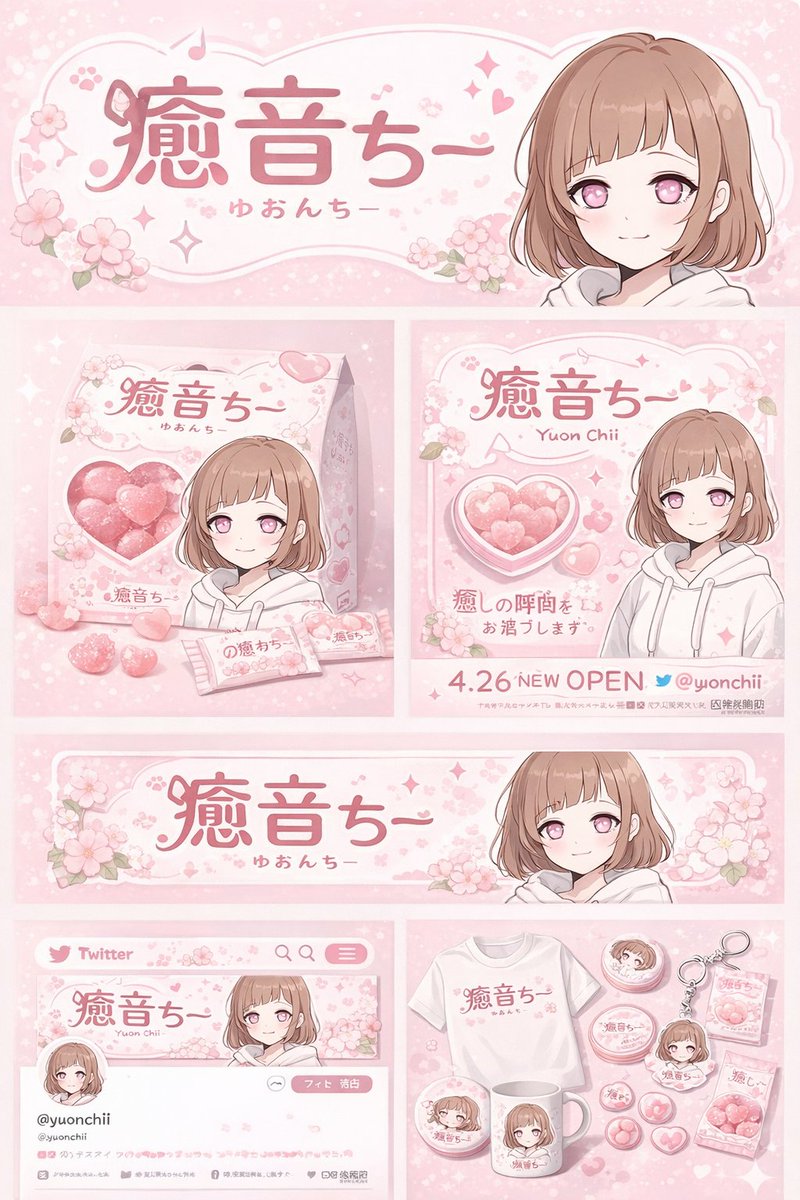
Copy this GPT Image 2 prompt for avatar and anime with Anime styling. Use it in Image2Studio to generate, edit, and save production-ready images.
Product Photography动漫校园楼梯间邂逅

A {argument name="art style" default="high-quality 2D anime screenshot"} of two students talking on a {argument name="setting" default="Japanese school stairwell landing"}. On the left, a {argument name="female character" default="blonde anime girl with red eyes, wearing a cream sweater and plaid skirt"} carries a navy school bag. She looks toward a {argument name="male character" default="black spiky-haired anime boy in a black school blazer and striped tie"} on the right. They stand facing each other mid-conversation. Soft daylight streams through a background window, illuminating the stairs and a 2F directional sign on the wall.

Copy this GPT Image 2 prompt for social media post and ui mockups with Photorealistic styling. Use it in Image2Studio to generate, edit, and save.
Photography日本新闻广播模拟

A photorealistic television news broadcast scene featuring a {argument name="anchor appearance" default="female Japanese news anchor wearing a dark blue blazer over a white top"} sitting at a glass desk in a modern newsroom studio. She is smiling and looking directly at the camera, with her hands resting near a tablet, papers, and a clear water bottle. To her left, a large monitor displays the text "{argument name="screen main text" default="OpenAI 「GPT-image-2」リリース"}" alongside an AI logo and a collage of 8 smaller diverse AI-generated images. In the top left corner, a channel logo reads "{argument name="news channel name" default="GLOBAL NEWS"}" with a red "LIVE" badge. The background shows a busy office with computers and a wall screen displaying "AI Generation". At the bottom of the screen, a standard news lower-third graphic displays the anchor's name "{argument name="anchor name" default="キャスター:佐藤 陽子"}" and a breaking news headline reading "{argument name="main headline text" default="【速報】OpenAI、画期的な新型画像生成モデル「GPT-image-2」を発表。より高精細で多様な表現が可能に。"}" in bold Japanese text.

Copy this GPT Image 2 prompt for social media post and character design with Photorealistic styling. Use it in Image2Studio to generate, edit, and save.
Photography超现实冰洞闪光灯摄影

A realistic image shot with {argument name="lighting style" default="harsh direct flash photography"} inside an {argument name="environment" default="ice cave made of large ice blocks and snow"}. A young man with messy dark curly hair sits on a brown fur pelt, leaning his head on his hand with a relaxed expression. He is wearing a {argument name="clothing" default="thick black and white patterned knit sweater"}, black snow pants, and black winter boots. Directly behind him, the rear half of a white {argument name="car model" default="Porsche 911 GT3 RS"} sports car is embedded into the snowy cave wall, with its red taillights illuminated and a license plate reading {argument name="license plate" default="VS 369 911"}. In the foreground, a rough wooden table dusted with snow holds exactly 2 stainless steel thermoses, 1 clear textured glass, 1 small metal cooking pot, and 1 yellow and blue matchbox. Resting on the icy floor to the right are 1 green glass bottle and 1 vintage metal lantern.

Copy this GPT Image 2 prompt for avatar and character design with Photorealistic, Cinematic, Luxury styling. Use it in Image2Studio to generate, edit, and.
Photography充满压迫感的发布会梗图

A photorealistic, cinematic shot set in the {argument name="location" default="White House press briefing room"}. At the podium sits {argument name="seated character" default="Sam Altman"}, wearing a dark suit and blue tie, looking visibly uncomfortable and nervous, staring blankly ahead. Standing directly behind him is {argument name="standing character" default="Homelander from The Boys"}, wearing his signature blue superhero suit with red gloves and gold eagle shoulder pads. The standing character has one red-gloved hand resting heavily and intimidatingly on the seated character's shoulder, while using his other hand to drink from a {argument name="beverage" default="glass bottle of milk"} with a confident, slightly unhinged smirk. In the background, there is a US flag on the left and a blue oval White House seal on the wall behind them. The podium has a sign reading "THE WHITE HOUSE WASHINGTON".

Copy this GPT Image 2 prompt for avatar and youtube thumbnails with Photorealistic, Editorial styling. Use it in Image2Studio to generate, edit, and save.
Portrait selfieYouTube 直播发布会演示模板

{"type": "YouTube Live Stream UI mockup", "theme": "dark mode", "layout": {"top_bar": {"components": ["hamburger menu", "YouTube logo", "search bar", "microphone icon", "create icon", "notifications icon", "profile avatar"]}, "video_player": {"status": "LIVE badge in top left", "left_side": "A {argument name=\"presenter description\" default=\"man in a green sweater\"} standing at a wooden podium with a spiral logo, gesturing with hands, laptop on podium.", "right_side_presentation": {"text_elements": ["OpenAI", "INTRODUCING", "{argument name=\"product name\" default=\"GPT-Image-2\"}", "{argument name=\"tagline\" default=\"More Realistic. More Useful. More Creative.\"}"], "image_gallery": {"count": 4, "panels": ["mountain lake with a boat", "close-up portrait of a woman with dappled lighting", "cute robot holding a lantern in a dark forest", "impressionist painting of a glowing city street at night"]}}, "bottom_controls": {"components": ["play/pause", "next", "volume", "LIVE text", "red progress bar", "CC", "settings gear", "miniplayer", "theater mode", "fullscreen"]}}, "video_info": {"title": "{argument name=\"video title\" default=\"OpenAI Live: Introducing GPT-Image-2\"}", "channel_section": {"name": "{argument name=\"channel name\" default=\"OpenAI\"}", "badge": "verified checkmark", "subscribers": "1.36M subscribers", "button": "Subscribe (white pill button)"}, "action_buttons": {"count": 5, "labels": ["Like (12K)", "Dislike (497)", "Share", "Save", "..."]}, "description_box": {"metadata": "95,237 watching now, Started streaming 7 minutes ago", "hashtags": "#OpenAI #GPTImage2 #AI", "body_text": "Join us for a special live event as we introduce GPT-Image-2, our latest and most advanced image generation model. See new capabilities, live demos, and hear from the team ...more"}}}}

Copy this GPT Image 2 prompt for social media post and product photography with Photorealistic styling. Use it in Image2Studio to generate, edit, and save.
Photography涩谷街头写实自拍

A photorealistic selfie of a young Japanese woman standing on a sunny city street in {argument name="location" default="Shibuya, Japan"}. She has a soft smile, fair skin, light makeup, and {argument name="hair style" default="long wavy brown hair with see-through bangs"}. She is wearing a {argument name="clothing" default="white textured blouse"} with a delicate necklace and a beige shoulder bag strap visible. The background features a bustling urban environment with a crosswalk, pedestrians on the sidewalk, and a large white commercial building displaying the text {argument name="building text" default="MODI"} at the top along with a digital billboard. On the left side of the frame, a vertical street sign clearly displays the text {argument name="street sign text" default="渋谷区 神南一丁目 8"}. The image has a bright, natural daylight aesthetic typical of a casual social media photo.

Visible results from real prompts.

Examples link back to the full prompt text.

A generation workflow operators can trust.

Before a public pricing page goes live, Image2Studio only shows product mechanics that already exist: prompt preparation, cost review, generation, and saved work.

Prepare

Start from prompts

Plan

Use topic pages, guides, and tools to turn a vague image need into a usable prompt.

  • Find examples by use case and style
  • Copy or rewrite prompt text
  • Open the studio from public pages
Generate an image
Reuse

Save the work

Reuse

Finished images stay with prompt text and job records for review and iteration.

  • Review generated images
  • Reuse source prompts
  • Continue into the next generation
Generate an image

A dedicated pricing page should launch after prices, credit packs, commercial terms, and refund policy are approved.

Questions commercial users ask before generating.

Model relationship, search entry points, credit cost, and saved work are explained clearly.

Image2Studio is built around GPT Image 2 / ChatGPT image generation workflows. The site only describes capabilities the product currently supports and does not claim a model-provider partnership.

Start from a reusable prompt.

Browse the library, prepare a prompt with tools, or open the studio to generate and save the result.