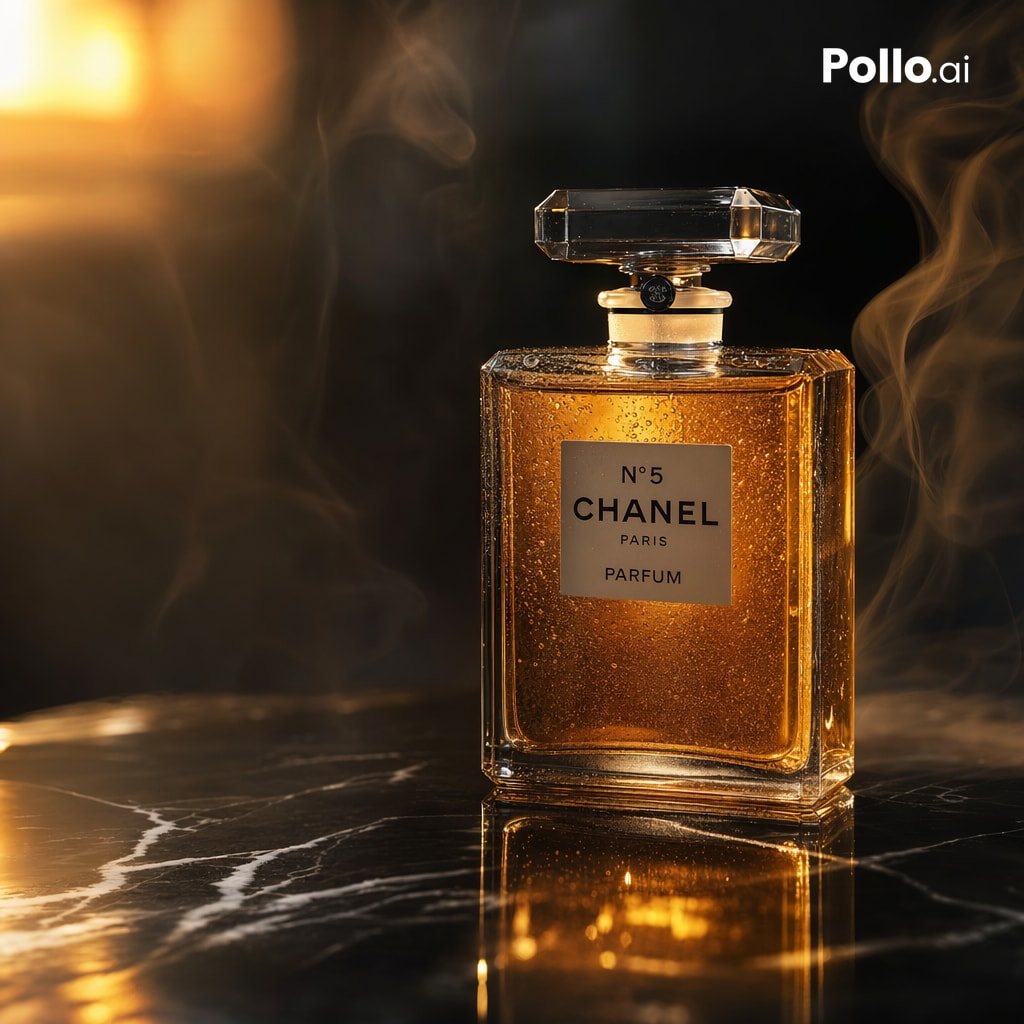
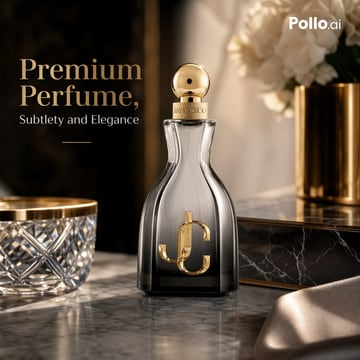
E-commerceA luxury e-commerce advertising photo of a premium perfume bottle on a polished gray-and-white marble vanity, shot in a warm cinematic studio style with soft golden lighting, shallow depth of field, and elegant reflections. The composition is square and high-end, with the perfume bottle centered slightly right of frame and promotional text on the left. The bottle is a tall sculpted hourglass-shaped glass flacon with smoky transparent gray glass fading darker at the base, a glossy gold spherical cap, a gold collar engraved with fine branding, and a large metallic gold interlocking monogram on the front. Keep the branding-inspired feel but do not add extra products. In the foreground left, include 1 cut-crystal bowl with a gold rim, partially cropped. In the background right, include 1 brushed gold cylindrical vase holding 1 bouquet of soft white flowers, blurred. Behind the bottle, add 1 black marble rectangular box with subtle white veining and gold trim. In the lower right foreground, include 1 draped piece of champagne-colored satin fabric, softly out of focus. The background should be dark, luxurious, and softly blurred, with rich brown-black tones and a vertical shadowed panel on the left to support typography. Add elegant serif headline text on the upper left reading {argument name="headline text" default="Premium Perfume,"} in large warm beige letters, with a smaller serif subheading beneath reading {argument name="tagline" default="Subtlety and Elegance"}, plus a thin short gold horizontal line below the subheading. Place a small white logo in the top-right corner reading {argument name="brand logo" default="Pollo.ai"}. Emphasize premium materials, realistic glass refraction, gold metallic highlights, luxury product photography, refined composition, soft bokeh, and upscale beauty-ad aesthetics.