Image2Studio
Examples

gpt-image-2

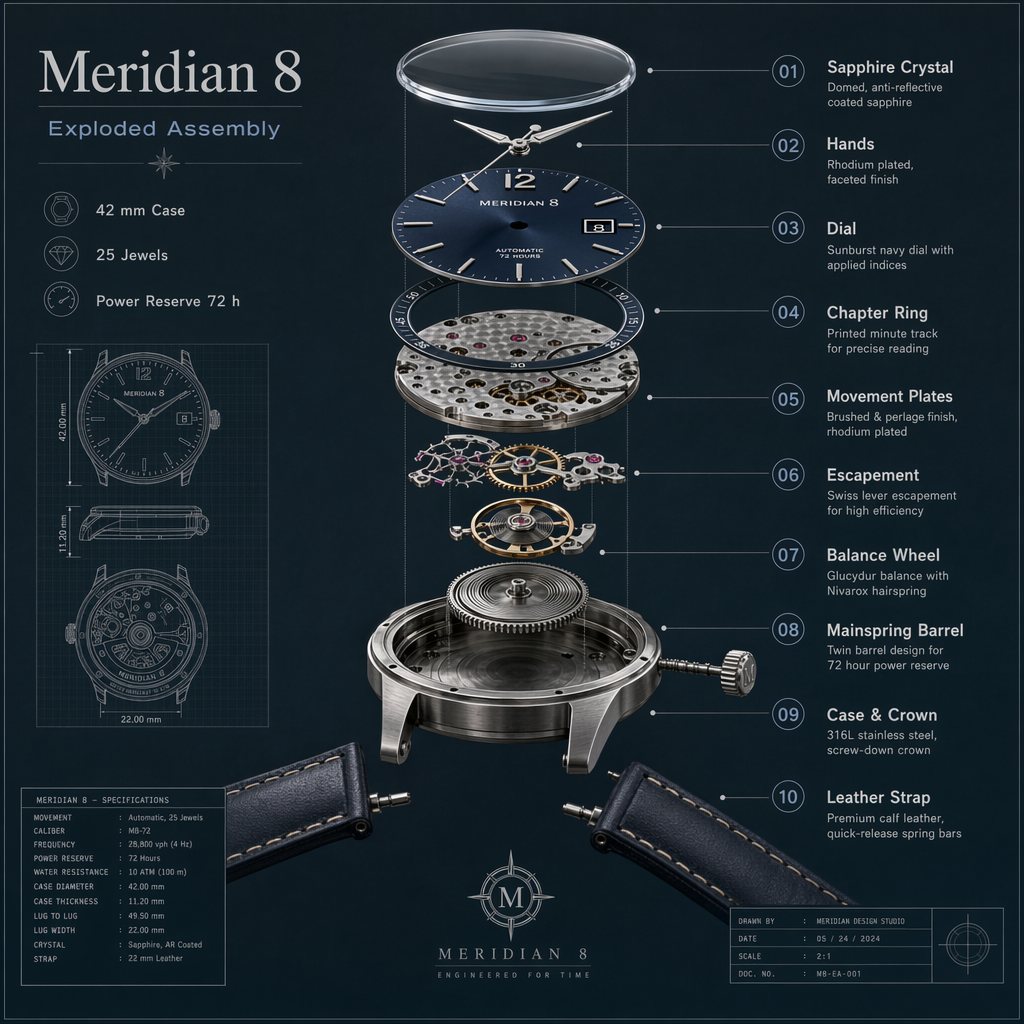
Mechanical Watch Exploded View

Ecommerce Product Image prompt for product photography, ready to edit and generate in Image2Studio.

Ecommerce Product Image prompt for product photography, ready to edit and generate in Image2Studio.
Prompt

Create a premium technical exploded-view illustration of a fictional mechanical wristwatch called the Meridian 8, centered on a dark slate background with fine blueprint grid accents. Show the watch components separated vertically with precise spacing: sapphire crystal, dial, hands, chapter ring, movement plates, escapement, balance wheel, mainspring barrel, case, crown, and leather strap sections. Use realistic brushed steel, brass, ruby jewel accents, and deep navy dial details. Add crisp callouts and labels with the in-image text "Meridian 8", "Exploded Assembly", "42 mm Case", "25 Jewels", and "Power Reserve 72 h". Include numbered callouts "01" through "10" with short labels like "Balance Wheel", "Mainspring Barrel", and "Sapphire Crystal". The result should be highly detailed, technically believable, sharply rendered, and suitable for an industrial design plate with clean hierarchy, exact labeling, and refined material realism.

Prompt structure
  • Modelgpt-image-2
  • Use caseecommerce-product-image
  • Stylewatercolor, photorealistic, minimal, luxury
  • Aspect ratiosquare
Best used for
  • Use caseecommerce-product-image
  • Stylewatercolor, photorealistic, minimal, luxury
  • Recommended specssquare
  • ModelGPT Image 2
How to customize

Use this Mechanical Watch Exploded View prompt as a base. Replace the subject, product details, environment, lighting, brand colors, and output ratio while keeping the ecommerce-product-image intent and watercolor, photorealistic, minimal, luxury direction stable.

Editable variables
  • SubjectReplace the product, person, scene, interface, or object being generated.
  • Use caseKeep or rewrite the destination as ecommerce product image, ad creative, cover image, poster, or ecommerce hero.
  • Framesquare
  • Brand cuesAdd colors, materials, props, text-safe space, and the platform where the image will be used.
Recommended specs

Choose the frame for the destination first, then use 1K, 2K, or 4K based on output quality needs. Product images and posters usually benefit from higher resolution.

Pre-generation checklist
  • CheckSubject, lighting, composition, and frame are specific enough to review.
  • CheckText-safe space is included when the image will carry a headline or ad copy.
  • CheckResolution, credit cost, and final destination are checked before generation.
Why this prompt works

Mechanical Watch Exploded View works because it starts from the image job, then controls subject, composition, lighting, style, and frame. It is best for ecommerce product image while keeping the watercolor, photorealistic, minimal, luxury direction stable.

Common questions
  • Can I use it directly?Yes. Replace the subject, brand cues, and frame, then generate in Image2Studio.
  • Which ratio should I use?square