Boston Spring 2026 City Poster
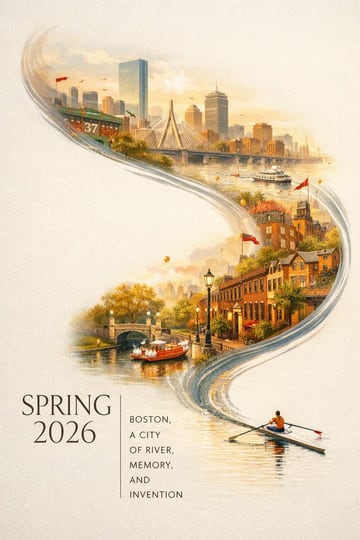
A striking Spring 2026 city poster for Boston with an elegant celebratory mood and a bold contemporary design. On a clean off-white textured background with large areas of negative space, a miniature single sculler rows across the lower right corner of the image on a narrow ribbon of reflective water. The wake from the oar sweeps upward in a dynamic calligraphic curve, gradually transforming into the Charles River and then into a dreamlike hand-painted panorama of Boston. Inside this flowing river-shaped composition are iconic Boston elements: the Back Bay skyline, Beacon Hill brownstones, Acorn Street, Boston Public Garden, Swan Boats, Zakim Bridge, Fenway-inspired details, historic brick architecture, harbor ferries, and the city’s waterfront atmosphere. Soft morning fog, golden spring light, subtle festive accents in crimson and gold, rich detail, layered depth, sophisticated city-poster aesthetics, fresh and refined, visually powerful but not overcrowded. Elegant typography in the lower left reads “SPRING 2026” with a vertical slogan “BOSTON, A CITY OF RIVER, MEMORY, AND INVENTION”, text clear and beautifully composed, premium graphic design, 9:16