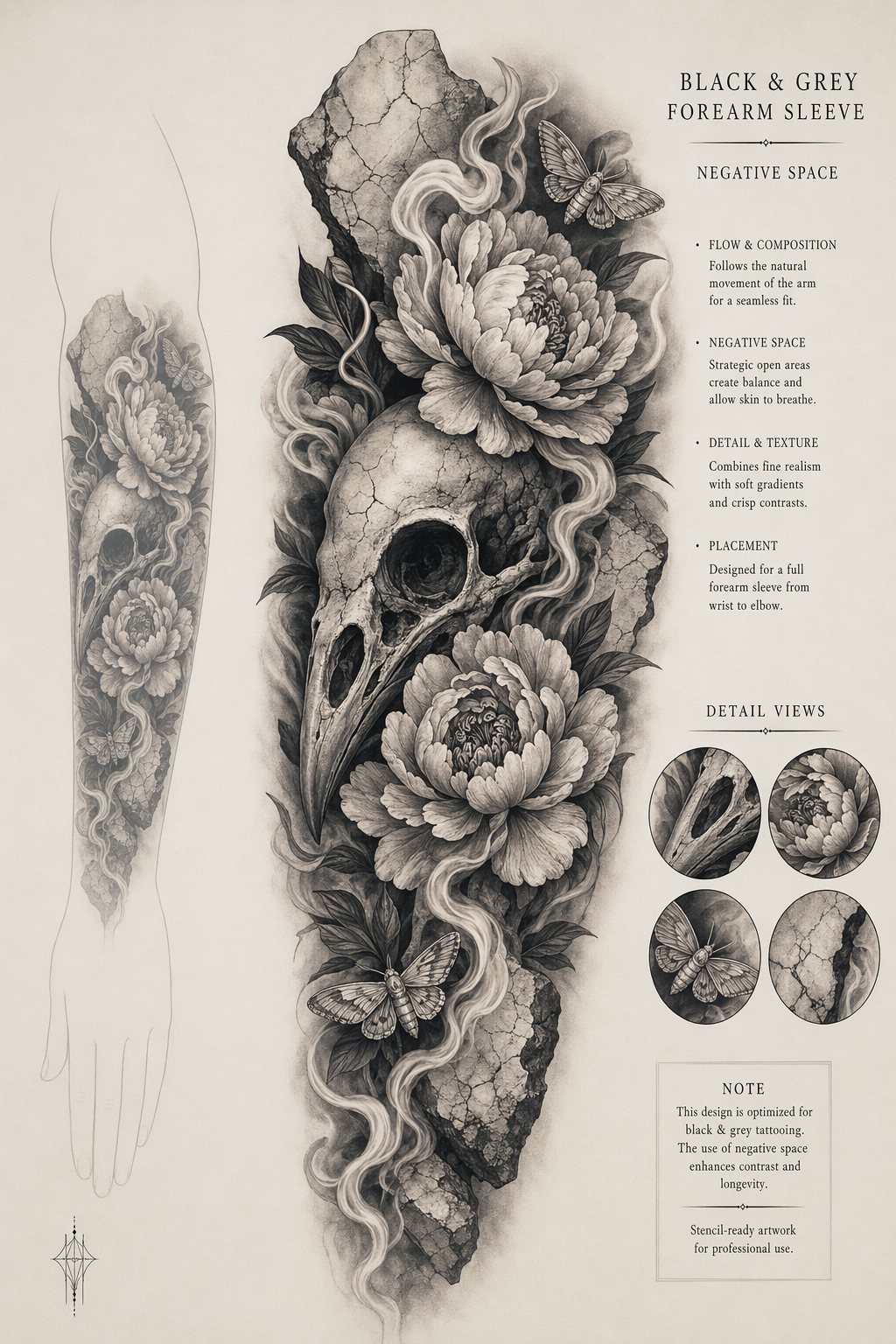
PromptCreate a portrait tattoo design sheet for a realistic black-and-grey forearm sleeve. Subject: a highly detailed raven skull nested with realistic peonies, smoke ribbons, tiny moths, and cracked marble fragments. Present it as premium tattoo flash on warm off-white paper with a faint arm-placement silhouette behind the main artwork. Style: ultra-realistic tattoo shading, smooth dotwork gradients, crisp stencil-ready outlines, high contrast but not muddy, strong negative-space gaps for skin breathing room. Include small layout notes in clean text: "BLACK & GREY" / "FOREARM SLEEVE" / "NEGATIVE SPACE". No gore, no body horror, no brand logos, no actual person, no photorealistic skin photo; make it a professional tattoo design presentation.
Prompt structure- Modelgpt-image-2
- Use caseavatar
- Stylephotorealistic, minimal, luxury, editorial
- Aspect ratioportrait
Best used for- Use caseavatar
- Stylephotorealistic, minimal, luxury, editorial
- Recommended specsportrait
- ModelGPT Image 2
How to customizeUse this Realistic black-and-grey sleeve study prompt as a base. Replace the subject, product details, environment, lighting, brand colors, and output ratio while keeping the avatar intent and photorealistic, minimal, luxury, editorial direction stable.
Editable variables- SubjectReplace the product, person, scene, interface, or object being generated.
- Use caseKeep or rewrite the destination as avatar, ad creative, cover image, poster, or ecommerce hero.
- Frameportrait
- Brand cuesAdd colors, materials, props, text-safe space, and the platform where the image will be used.
Recommended specsChoose the frame for the destination first, then use 1K, 2K, or 4K based on output quality needs. Product images and posters usually benefit from higher resolution.
Pre-generation checklist- CheckSubject, lighting, composition, and frame are specific enough to review.
- CheckText-safe space is included when the image will carry a headline or ad copy.
- CheckResolution, credit cost, and final destination are checked before generation.
Why this prompt worksRealistic black-and-grey sleeve study works because it starts from the image job, then controls subject, composition, lighting, style, and frame. It is best for avatar while keeping the photorealistic, minimal, luxury, editorial direction stable.
Common questions- Can I use it directly?Yes. Replace the subject, brand cues, and frame, then generate in Image2Studio.
- Which ratio should I use?portrait