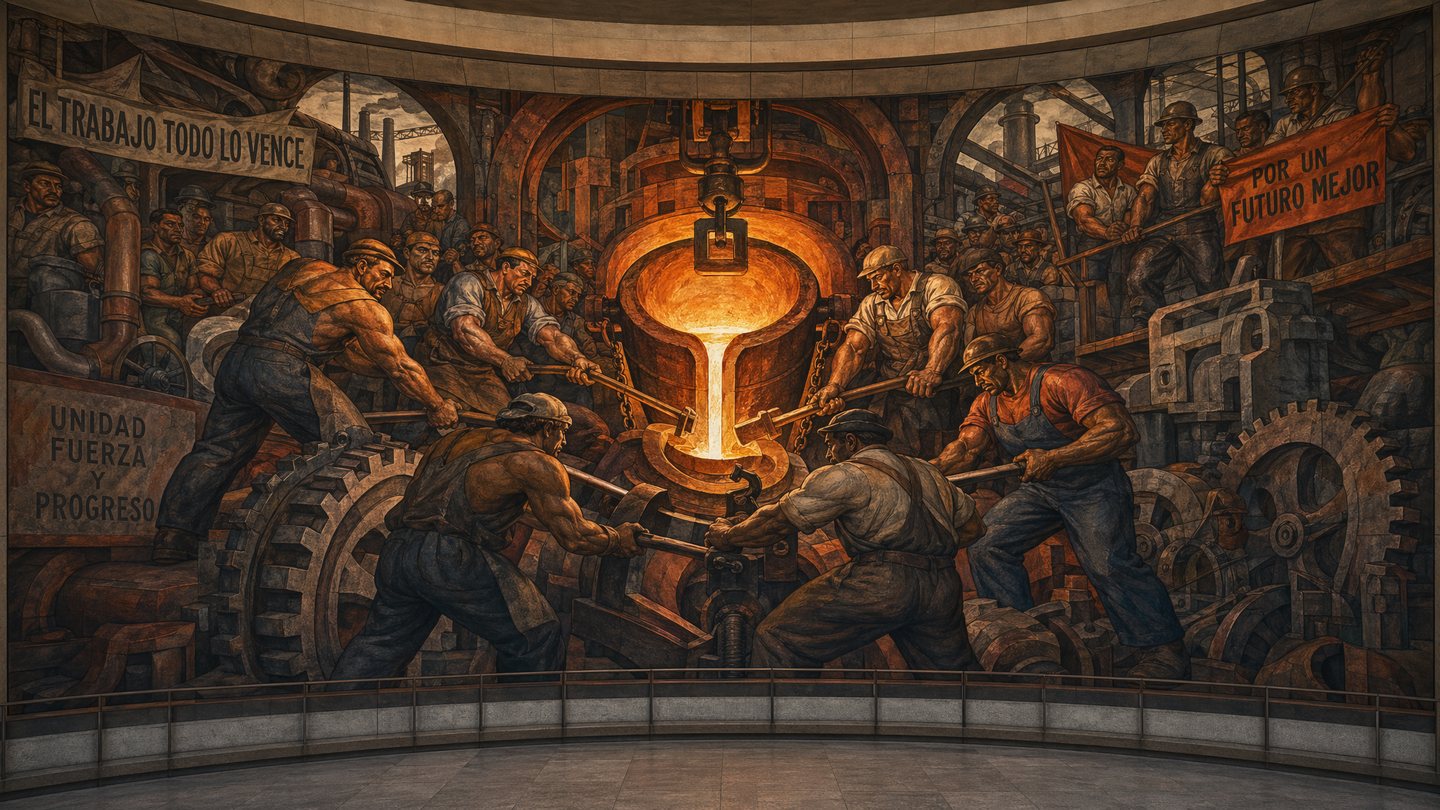
PromptA grand-scale public mural in the lineage of early 20th-century social realism and Mexican muralism. The scene depicts an industrial foundry where diverse workers are engaged in the heroic labor of forging massive steel gears. The figures are rendered with heavy, rounded forms and powerful muscularity, colored in earthy tones of 'Sienna', 'Slate Grey', and 'Iron Rust'. The composition is dense and rhythmic, filled with the interlocking shapes of machinery, pipes, and human bodies. In the center, a golden glow emanates from a crucible of molten metal, illuminating the faces of the workers with a dramatic 'Fire Orange'. The style is bold and graphic, with strong black outlines and a flattened perspective that emphasizes the collective effort. The mural covers a vast curved wall, suggesting a narrative of progress, unity, and the dignity of the working class.
Prompt structure- Modelgpt-image-2
- Use casesocial-media-post
- Stylecinematic
- Aspect ratiowide
Best used for- Use casesocial-media-post
- Stylecinematic
- Recommended specswide
- ModelGPT Image 2
How to customizeUse this Social Realism: The Great Foundry prompt as a base. Replace the subject, product details, environment, lighting, brand colors, and output ratio while keeping the social-media-post intent and cinematic direction stable.
Editable variables- SubjectReplace the product, person, scene, interface, or object being generated.
- Use caseKeep or rewrite the destination as social media post, ad creative, cover image, poster, or ecommerce hero.
- Framewide
- Brand cuesAdd colors, materials, props, text-safe space, and the platform where the image will be used.
Recommended specsChoose the frame for the destination first, then use 1K, 2K, or 4K based on output quality needs. Product images and posters usually benefit from higher resolution.
Pre-generation checklist- CheckSubject, lighting, composition, and frame are specific enough to review.
- CheckText-safe space is included when the image will carry a headline or ad copy.
- CheckResolution, credit cost, and final destination are checked before generation.
Why this prompt worksSocial Realism: The Great Foundry works because it starts from the image job, then controls subject, composition, lighting, style, and frame. It is best for social media post while keeping the cinematic direction stable.
Common questions- Can I use it directly?Yes. Replace the subject, brand cues, and frame, then generate in Image2Studio.
- Which ratio should I use?wide