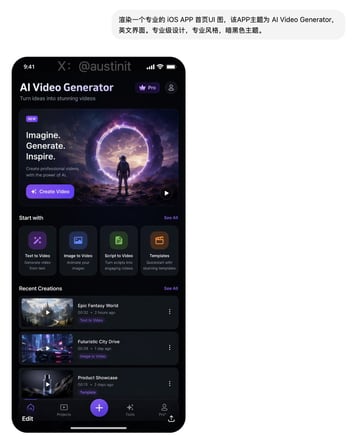
Examples
gpt-image-2
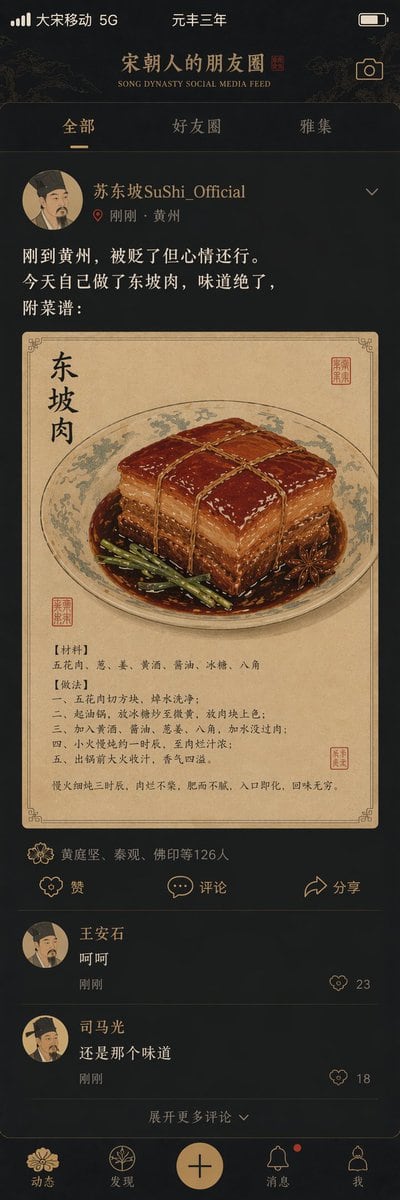
Song Dynasty Social Media Feed
Social Media Post prompt for social ads, ready to edit and generate in Image2Studio.
Prompt
"宋朝人的朋友圈"/"SONG DYNASTY SOCIAL MEDIA FEED",古今穿越幽默融合界面设计风格,画面模拟手机社交媒体界面,但内容全部是宋朝场景头像是宋代文人画像,用户名"苏东坡SuShi_Official",发布内容"刚到黄州,被贬了但心情还行。今天自己做了东坡肉,味道绝了,附菜谱:",配图为工笔画风格的东坡肉特写,点赞列表"黄庭坚、秦观、佛印等126人",评论区"王安石:呵呵""司马光:还是那个味道",界面元素如点赞图标用宋代花纹替代,状态栏显示"大宋移动 5G"和"元丰三年",配色为手机深色模式搭配宋代雅致色调,历史与社交媒体的趣味碰撞杰作
Prompt structure
- Modelgpt-image-2
- Use casesocial-media-post
- Styleprompt-defined style
- Aspect ratioFlexible
Best used for
- Use casesocial-media-post
- Styleprompt-defined style
- Recommended specs1:1, 4:5, 16:9, or 9:16
- ModelGPT Image 2
How to customize
Use this Song Dynasty Social Media Feed prompt as a base. Replace the subject, product details, environment, lighting, brand colors, and output ratio while keeping the social-media-post intent and the visual style direction stable.
Editable variables
- SubjectReplace the product, person, scene, interface, or object being generated.
- Use caseKeep or rewrite the destination as social media post, ad creative, cover image, poster, or ecommerce hero.
- FrameChoose 1:1, 4:5, 16:9, or 9:16 based on the final placement.
- Brand cuesAdd colors, materials, props, text-safe space, and the platform where the image will be used.
Recommended specs
Choose the frame for the destination first, then use 1K, 2K, or 4K based on output quality needs. Product images and posters usually benefit from higher resolution.
Pre-generation checklist
- CheckSubject, lighting, composition, and frame are specific enough to review.
- CheckText-safe space is included when the image will carry a headline or ad copy.
- CheckResolution, credit cost, and final destination are checked before generation.
Why this prompt works
Song Dynasty Social Media Feed works because it starts from the image job, then controls subject, composition, lighting, style, and frame. It is best for social media post while keeping the prompt-defined style direction stable.
Common questions
- Can I use it directly?Yes. Replace the subject, brand cues, and frame, then generate in Image2Studio.
- Which ratio should I use?Choose 1:1, 4:5, 16:9, or 9:16 based on the destination.
Related prompts
More prompts in this direction
UI & social mockup
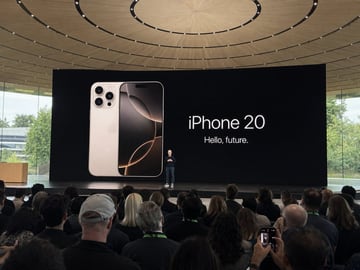
Amateur iPhone Keynote Snapshot
Amateur iPhone photo at Apple Park during the iPhone 20 keynote, Tim Cook presenting on stage. Shot from the crowd at a distance
UI & social mockup
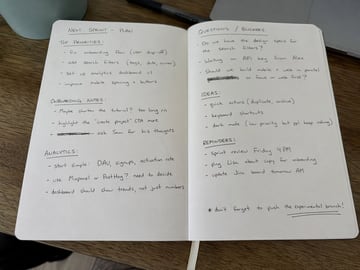
Handwritten Notebook Photo
Amateur photo of an open notebook lying flat, filled with handwritten notes in black ballpoint pen. The handwriting is casual and slightly messy, like personnal notes, natural imperfections, crossed out words, underlined headings. Shot from slightly above, natural daylight from a window, no flash. Casual desk setting, shot on iPhone
UI & social mockup
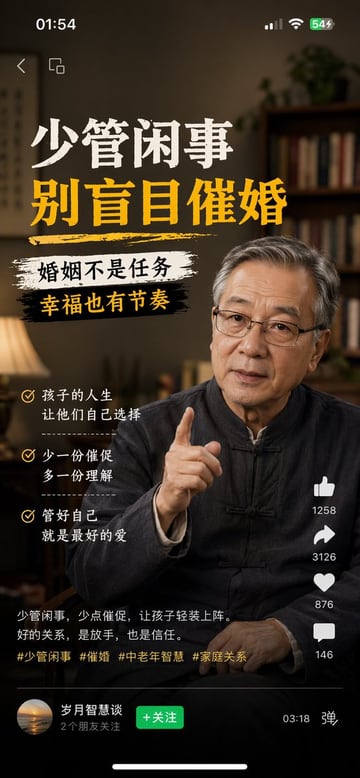
Multi-Platform Content Screenshots
1、生成视频号内容截图,主题:中老年不要盲目催婚,iPhone尺寸 2、生成抖音内容截图,主题:跟上AI浪潮9.9包教会,iPhone尺寸 3、生成小红书内容截图,主题:精致女孩背后都有网贷,iPhone尺寸 4、生成快手内容截图:主题:直播离婚预告,iPhone尺寸
UI & social mockup
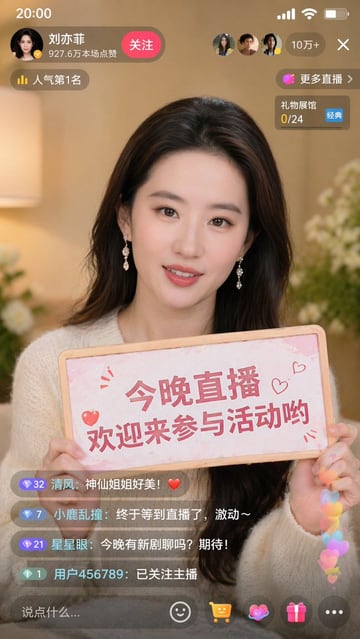
Liu Yifei Douyin Livestream Screenshot
9:16 的图片比例,生成一张抖音直播的截图,里面是 刘亦菲 在直播,刘亦菲 手里拿着牌子,牌子里写着 今晚直播,欢迎来参亦菲畅聊!
UI & social mockup
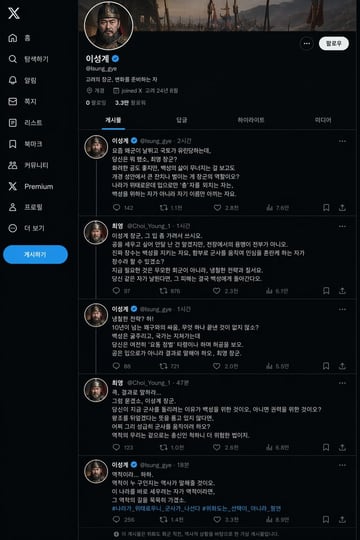
King Taejo Yi Seong-gye's X Page
태조 이성계의 X 페이지(위화도 회군을 벌이기 직전- 최영 장군과 서로 디스하는 내용이 담긴 게시글들)을 만들어 주세요.