
Image2Studio
Prompts

gpt-image-2

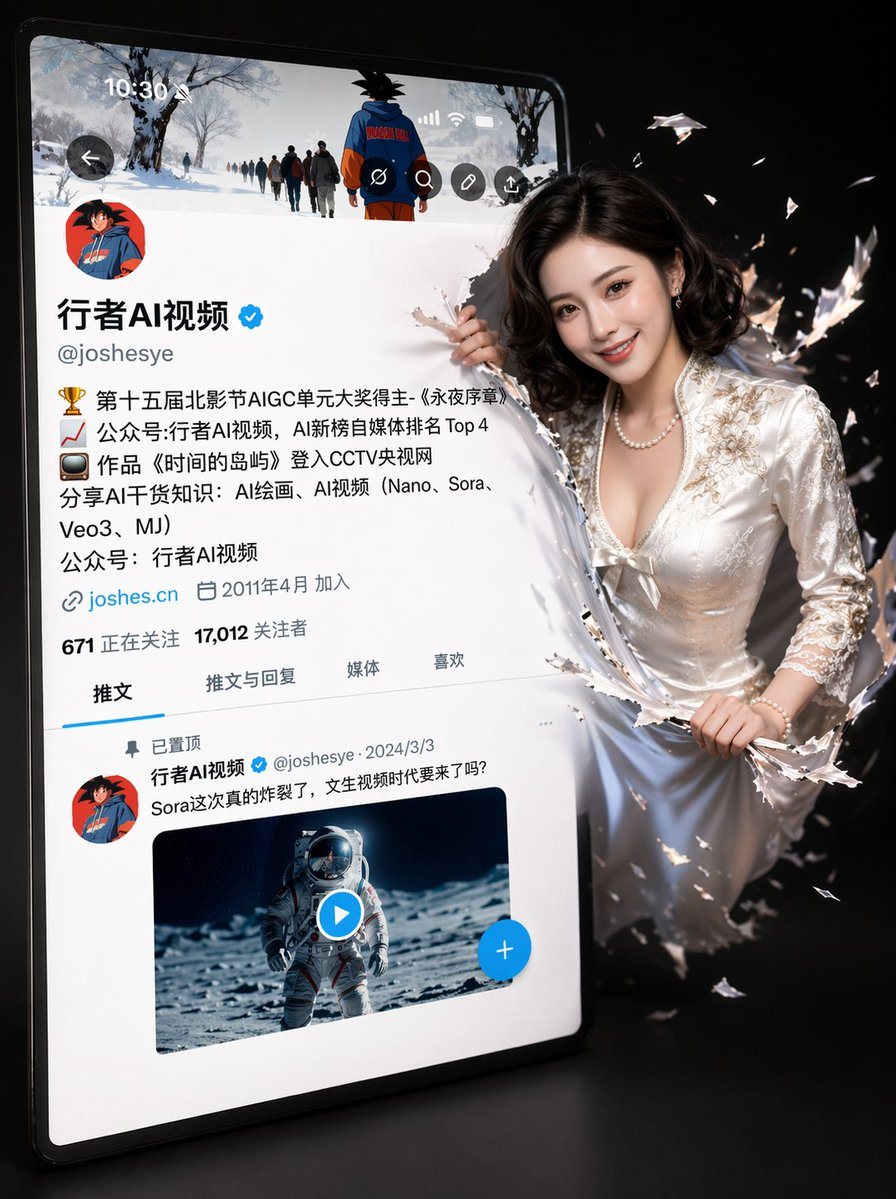
3D 社交媒体个人资料破屏而出

一个复杂的提示词,用于生成角色从社交媒体个人资料界面破屏而出的 3D 效果,同时保留特定的 UI 细节和角色特征。

一个复杂的提示词,用于生成角色从社交媒体个人资料界面破屏而出的 3D 效果,同时保留特定的 UI 细节和角色特征。
Prompt

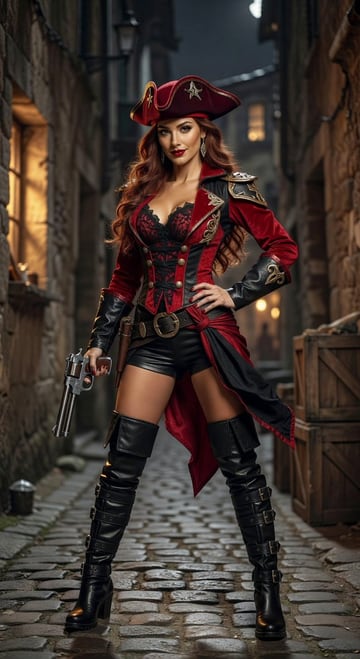
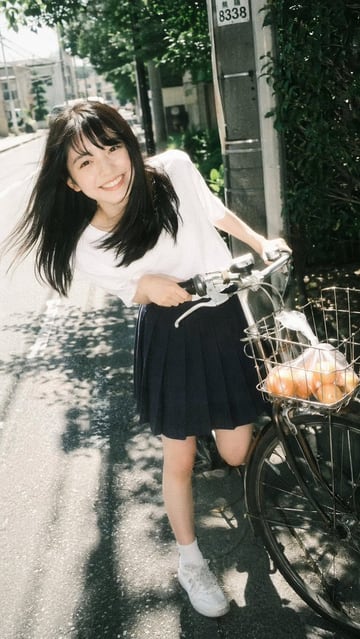
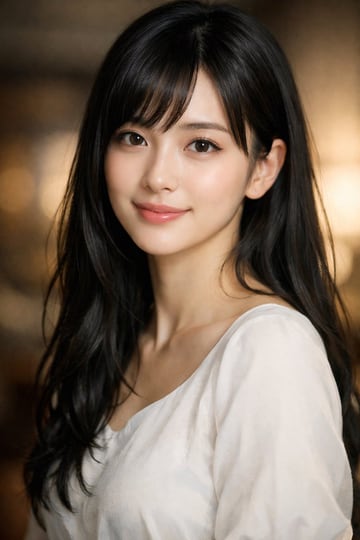
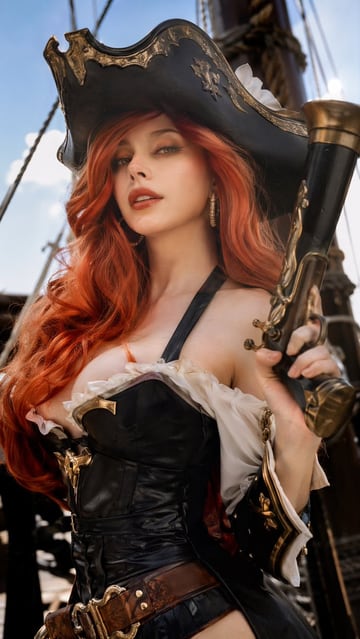
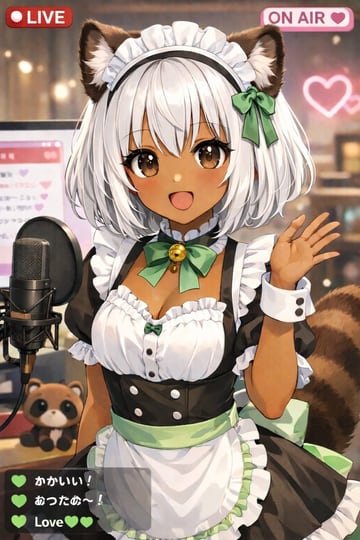
一幅超寫實的3D插畫,描繪了一個略微傾斜的Twitter/X個人資料介面,背景為簡潔的黑色。原有的頭像(卡通女孩頭像)保持不變。個人資料介面與一張圖2完全一致,用戶名為“{argument name="用戶名" default="Aigirl"}”,帶有認證徽章、詳細的個人簡介、粉絲數和推文欄。 螢幕右側,一位{argument name="角色描述" default="圖1"}。她的五官與原圖相同(臉部未做任何修改),但現在擁有了燦爛自然的笑容、靈動的眼神和柔和透亮的肌膚。她一半身子在螢幕上掙脫,以動態的3D效果從螢幕中躍然而出。 螢幕掙脫造成的波紋劇烈晃動著。燈光採用柔和的影棚燈光,並帶有電影般的陰影 and 景深。超精細的4K分辨率,逼真的畫面与皮克斯風格的融合,畫面清晰銳利,在ArtStation上廣受歡迎。 重要提示: - 請勿變更頭像 (DP) - 保持 X 介面版面配置和文字樣式不變 - 保留女孩原有的臉部特徵 - 僅可將表情調整為自然微笑

Prompt structure
  • Modelgpt-image-2
  • Use caseavatar
  • Style3d-render
  • Aspect ratioFlexible
Best used for
  • Use caseavatar
  • Style3d-render
  • Recommended specs1:1, 4:5, 16:9, or 9:16
  • ModelGPT Image 2
How to customize

Use this 3D 社交媒体个人资料破屏而出 prompt as a base. Replace the subject, product details, environment, lighting, brand colors, and output ratio while keeping the avatar intent and 3d-render direction stable.

Editable variables
  • SubjectReplace the product, person, scene, interface, or object being generated.
  • Use caseKeep or rewrite the destination as avatar, ad creative, cover image, poster, or ecommerce hero.
  • FrameChoose 1:1, 4:5, 16:9, or 9:16 based on the final placement.
  • Brand cuesAdd colors, materials, props, text-safe space, and the platform where the image will be used.
Recommended specs

Choose the frame for the destination first, then use 1K, 2K, or 4K based on output quality needs. Product images and posters usually benefit from higher resolution.

Pre-generation checklist
  • CheckSubject, lighting, composition, and frame are specific enough to review.
  • CheckText-safe space is included when the image will carry a headline or ad copy.
  • CheckResolution, credit cost, and final destination are checked before generation.
Why this prompt works

3D 社交媒体个人资料破屏而出 works because it starts from the image job, then controls subject, composition, lighting, style, and frame. It is best for avatar while keeping the 3d-render direction stable.

Common questions
  • Can I use it directly?Yes. Replace the subject, brand cues, and frame, then generate in Image2Studio.
  • Which ratio should I use?Choose 1:1, 4:5, 16:9, or 9:16 based on the destination.