Image2Studio
Examples

gpt-image-2

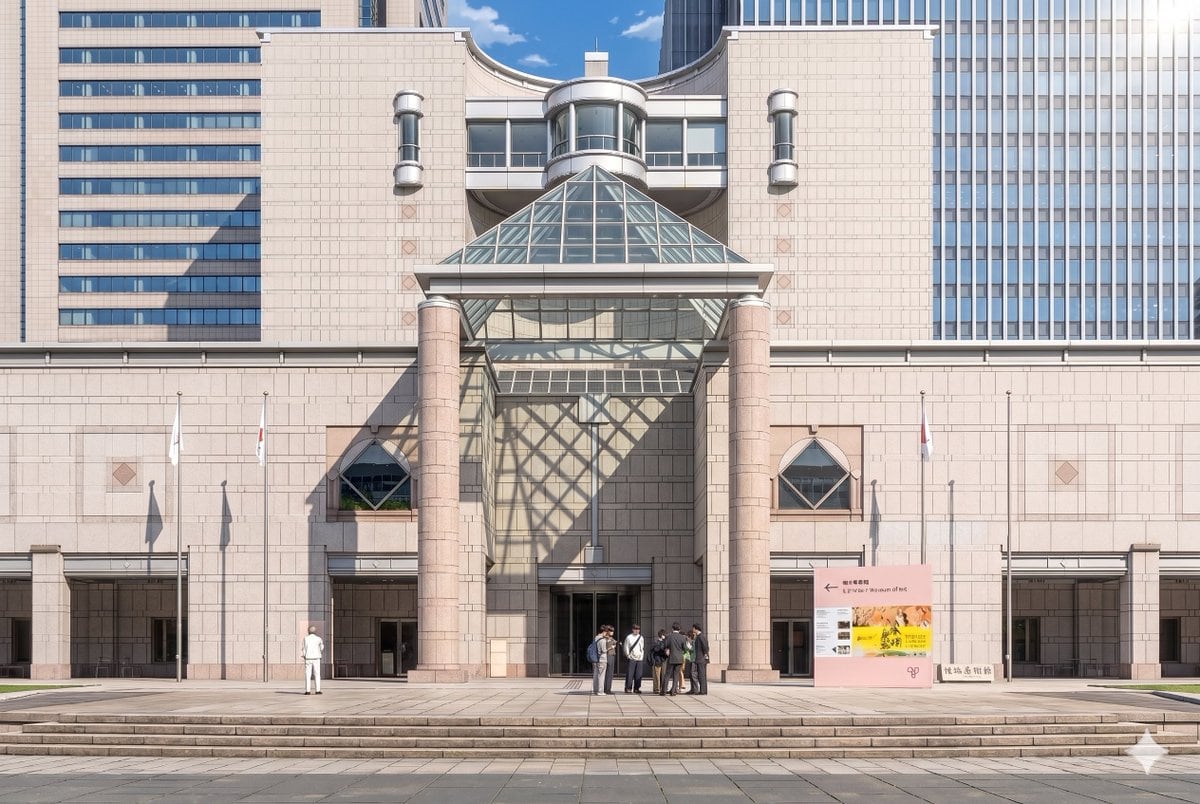
Anime Museum Background Conversion

Avatar prompt for anime, ready to edit and generate in Image2Studio.

Avatar prompt for anime, ready to edit and generate in Image2Studio.
Prompt

Using the provided reference photo, recreate the same museum facade and frontal composition as a polished theatrical anime background illustration. Keep the architecture, signage, 3 flagpoles, broad steps, and overall layout consistent, but convert the image from realistic photography into a highly detailed hand-painted anime film style with clean linework, soft cel shading, gentle pastel stone colors, and crisp atmospheric lighting. Add dramatic sunlight from the upper right so the glass pyramid casts a large geometric lattice shadow across the central wall and left side of the entrance. Simplify and stylize the people into anime background characters, keeping the 2 visible groups: 1 lone figure on the left and 1 small cluster of 7 people near the center-right entrance. Preserve the clear blue-sky daytime mood while making the scene feel elegant, refined, and cinematic.

Prompt structure
  • Modelgpt-image-2
  • Use caseavatar
  • Styleanime, cinematic, photorealistic, watercolor
  • Aspect ratioFlexible
Best used for
  • Use caseavatar
  • Styleanime, cinematic, photorealistic, watercolor
  • Recommended specs1:1, 4:5, 16:9, or 9:16
  • ModelGPT Image 2
How to customize

Use this Anime Museum Background Conversion prompt as a base. Replace the subject, product details, environment, lighting, brand colors, and output ratio while keeping the avatar intent and anime, cinematic, photorealistic, watercolor direction stable.

Editable variables
  • SubjectReplace the product, person, scene, interface, or object being generated.
  • Use caseKeep or rewrite the destination as avatar, ad creative, cover image, poster, or ecommerce hero.
  • FrameChoose 1:1, 4:5, 16:9, or 9:16 based on the final placement.
  • Brand cuesAdd colors, materials, props, text-safe space, and the platform where the image will be used.
Recommended specs

Choose the frame for the destination first, then use 1K, 2K, or 4K based on output quality needs. Product images and posters usually benefit from higher resolution.

Pre-generation checklist
  • CheckSubject, lighting, composition, and frame are specific enough to review.
  • CheckText-safe space is included when the image will carry a headline or ad copy.
  • CheckResolution, credit cost, and final destination are checked before generation.
Why this prompt works

Anime Museum Background Conversion works because it starts from the image job, then controls subject, composition, lighting, style, and frame. It is best for avatar while keeping the anime, cinematic, photorealistic, watercolor direction stable.

Common questions
  • Can I use it directly?Yes. Replace the subject, brand cues, and frame, then generate in Image2Studio.
  • Which ratio should I use?Choose 1:1, 4:5, 16:9, or 9:16 based on the destination.