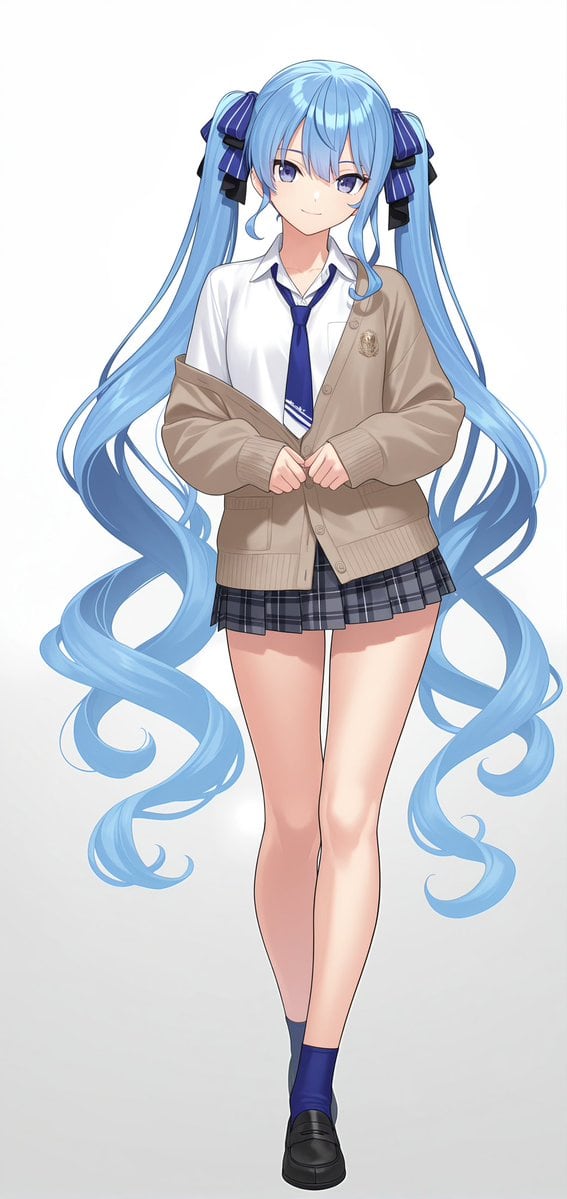
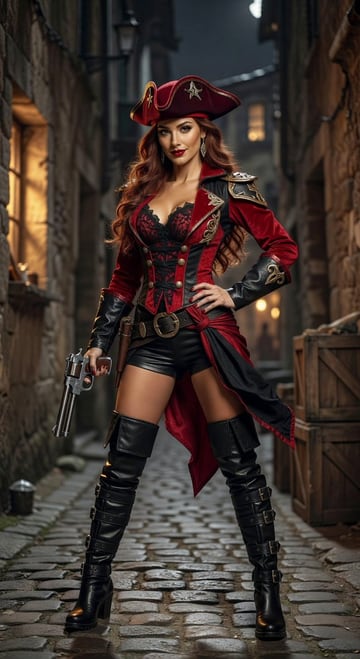
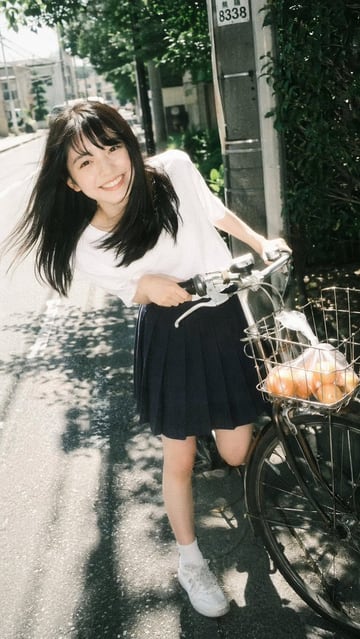
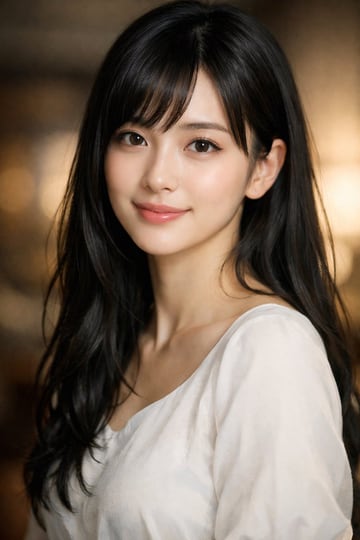
PromptA full-body anime illustration of {argument name="character name" default="Hoshimachi Suisei"} featuring long {argument name="hair color" default="light blue"} hair styled in voluminous twin tails secured with dark blue striped ribbons. She has soft purple eyes and a gentle smile. She is wearing a {argument name="outfit" default="school uniform consisting of a white collared shirt, a blue tie, a beige cardigan worn slightly off the shoulders, and a grey plaid pleated mini skirt"}. Her outfit is completed with dark blue ankle socks and black loafers. She is {argument name="pose" default="standing with her hands clasped gently in front of her waist, legs slightly crossed in a relaxed posture"}. The background is a {argument name="background" default="simple light grey gradient"}, emphasizing the character's clean lines and soft, high-quality anime shading.
Prompt structure- Modelgpt-image-2
- Use caseavatar
- Styleanime, minimal, watercolor
- Aspect ratioFlexible
Best used for- Use caseavatar
- Styleanime, minimal, watercolor
- Recommended specs1:1, 4:5, 16:9, or 9:16
- ModelGPT Image 2
How to customizeUse this Full-body Anime Illustration Of Hoshimachi Suisei prompt as a base. Replace the subject, product details, environment, lighting, brand colors, and output ratio while keeping the avatar intent and anime, minimal, watercolor direction stable.
Editable variables- SubjectReplace the product, person, scene, interface, or object being generated.
- Use caseKeep or rewrite the destination as avatar, ad creative, cover image, poster, or ecommerce hero.
- FrameChoose 1:1, 4:5, 16:9, or 9:16 based on the final placement.
- Brand cuesAdd colors, materials, props, text-safe space, and the platform where the image will be used.
Recommended specsChoose the frame for the destination first, then use 1K, 2K, or 4K based on output quality needs. Product images and posters usually benefit from higher resolution.
Pre-generation checklist- CheckSubject, lighting, composition, and frame are specific enough to review.
- CheckText-safe space is included when the image will carry a headline or ad copy.
- CheckResolution, credit cost, and final destination are checked before generation.
Why this prompt worksFull-body Anime Illustration Of Hoshimachi Suisei works because it starts from the image job, then controls subject, composition, lighting, style, and frame. It is best for avatar while keeping the anime, minimal, watercolor direction stable.
Common questions- Can I use it directly?Yes. Replace the subject, brand cues, and frame, then generate in Image2Studio.
- Which ratio should I use?Choose 1:1, 4:5, 16:9, or 9:16 based on the destination.