Examples
gpt-image-2
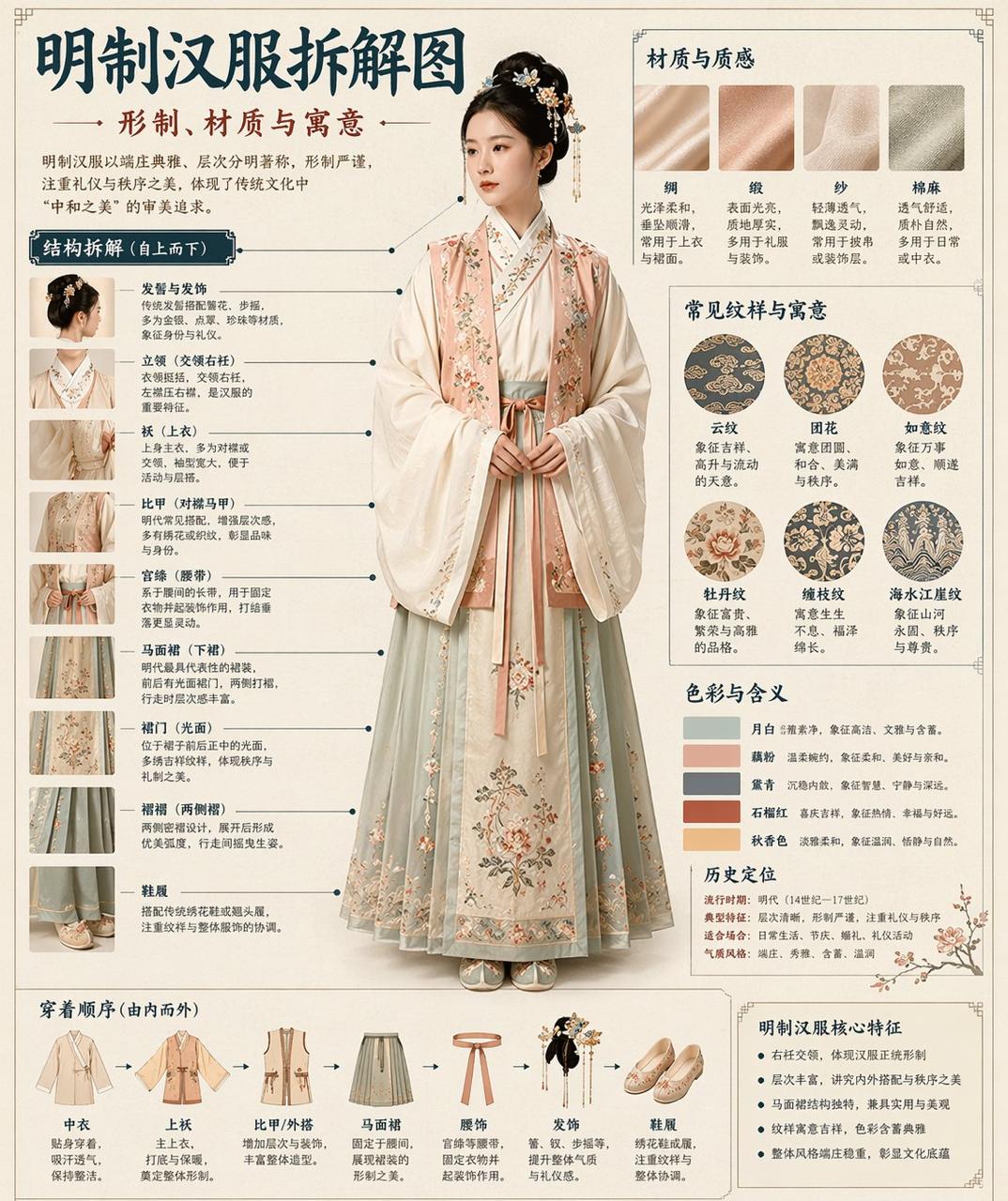
Museum-Style Hanfu Breakdown Infographic
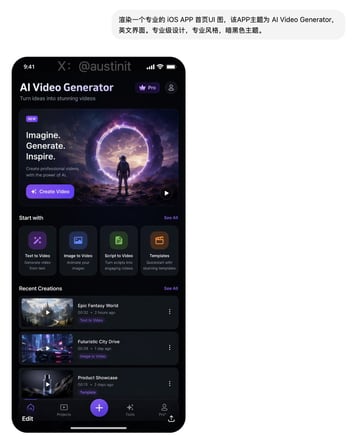
Social Media Post prompt for ui mockups, ready to edit and generate in Image2Studio.
Prompt
请根据【主题】自动生成一张“博物馆图鉴式中文拆解信息图”。 要求整张图兼具真实写实主视觉、结构拆解、中文标注、材质说明、纹样寓意、色彩含义和核心特征总结。你需要根据【主题】自动判断最合适的主体对象、服饰体系、器物结构、时代风格、关键部件、材质工艺、颜色方案与版式结构,用户无需再提供其他信息。 整体风格应为:国家博物馆展板、历史服饰图鉴、文博专题信息图,而不是普通海报、古风写真、电商详情页或动漫插画。背景采用米白、绢纸白、浅茶色等纸张质感,整体高级、克制、专业、可收藏。 版式固定为: - 顶部:中文主标题 + 副标题 + 导语 - 左侧:结构拆解区,中文引线标注关键部件,并配局部特写 - 右上:材质 / 工艺 / 质感区,展示真实纹理小样并附说明 - 右中:纹样 / 色彩 / 寓意区,展示主色板、纹样样本和文化解释 - 底部:穿着顺序 / 构成流程图 + 核心特征总结 若主题适合人物展示,则以真实人物全身站姿为中央主体;若更适合器物或单体结构,则改为中心主体拆解图,但整体仍保持完整中文信息图形式。所有文字必须为简体中文,清晰、规整、可读,不要乱码、错字、英文或拼音。重点突出真实结构、材质差异、文化说明与图鉴气质。 避免:海报感、影楼感、电商感、动漫感、cosplay感、乱标注、错结构、糊字、假材质、过度装饰。
Prompt structure
- Modelgpt-image-2
- Use casesocial-media-post
- Styleprompt-defined style
- Aspect ratioFlexible
Best used for
- Use casesocial-media-post
- Styleprompt-defined style
- Recommended specs1:1, 4:5, 16:9, or 9:16
- ModelGPT Image 2
How to customize
Use this Museum-Style Hanfu Breakdown Infographic prompt as a base. Replace the subject, product details, environment, lighting, brand colors, and output ratio while keeping the social-media-post intent and the visual style direction stable.
Editable variables
- SubjectReplace the product, person, scene, interface, or object being generated.
- Use caseKeep or rewrite the destination as social media post, ad creative, cover image, poster, or ecommerce hero.
- FrameChoose 1:1, 4:5, 16:9, or 9:16 based on the final placement.
- Brand cuesAdd colors, materials, props, text-safe space, and the platform where the image will be used.
Recommended specs
Choose the frame for the destination first, then use 1K, 2K, or 4K based on output quality needs. Product images and posters usually benefit from higher resolution.
Pre-generation checklist
- CheckSubject, lighting, composition, and frame are specific enough to review.
- CheckText-safe space is included when the image will carry a headline or ad copy.
- CheckResolution, credit cost, and final destination are checked before generation.
Why this prompt works
Museum-Style Hanfu Breakdown Infographic works because it starts from the image job, then controls subject, composition, lighting, style, and frame. It is best for social media post while keeping the prompt-defined style direction stable.
Common questions
- Can I use it directly?Yes. Replace the subject, brand cues, and frame, then generate in Image2Studio.
- Which ratio should I use?Choose 1:1, 4:5, 16:9, or 9:16 based on the destination.
Related prompts
More prompts in this direction
UI & social mockup
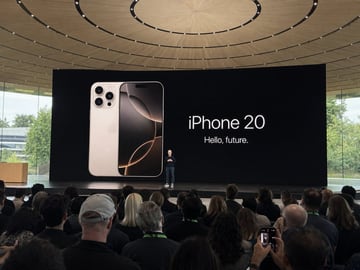
Amateur iPhone Keynote Snapshot
Amateur iPhone photo at Apple Park during the iPhone 20 keynote, Tim Cook presenting on stage. Shot from the crowd at a distance
UI & social mockup
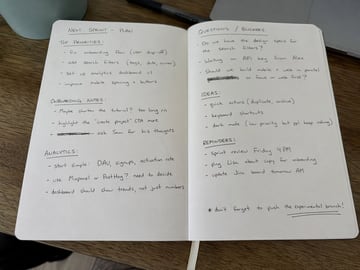
Handwritten Notebook Photo
Amateur photo of an open notebook lying flat, filled with handwritten notes in black ballpoint pen. The handwriting is casual and slightly messy, like personnal notes, natural imperfections, crossed out words, underlined headings. Shot from slightly above, natural daylight from a window, no flash. Casual desk setting, shot on iPhone
UI & social mockup
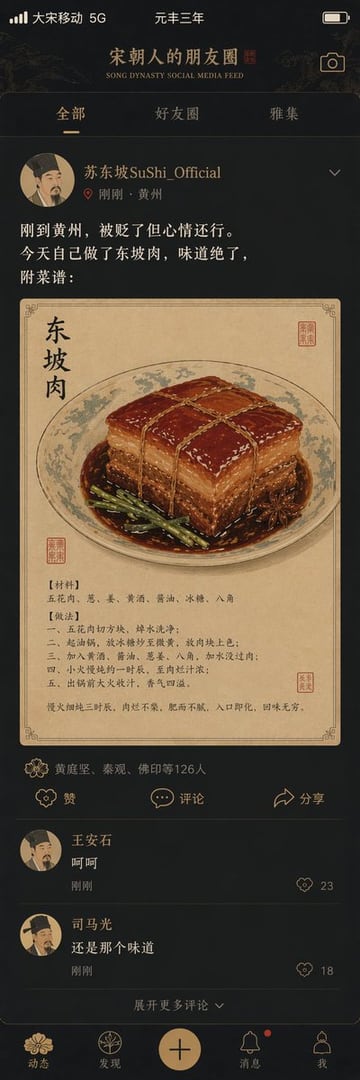
Song Dynasty Social Media Feed
"宋朝人的朋友圈"/"SONG DYNASTY SOCIAL MEDIA FEED",古今穿越幽默融合界面设计风格,画面模拟手机社交媒体界面,但内容全部是宋朝场景头像是宋代文人画像,用户名"苏东坡SuShi_Official",发布内容"刚到黄州,被贬了但心情还行。今天自己做了东坡肉,味道绝了,附菜谱:",配图为工笔画风格的东坡肉特写,点赞列表"黄庭坚、秦观、佛印等126人",评论区"王安石:呵呵""司马光:还是那个味道",界面元素如点赞图标用宋代花纹替代,状态栏显示"大宋移动 5G"和"元丰三年",配色为手机深色模式搭配宋代雅致色调,历史与社交媒体的趣味碰撞杰作
UI & social mockup
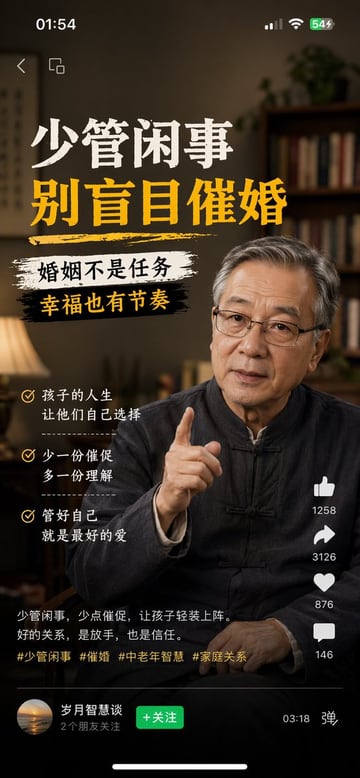
Multi-Platform Content Screenshots
1、生成视频号内容截图,主题:中老年不要盲目催婚,iPhone尺寸 2、生成抖音内容截图,主题:跟上AI浪潮9.9包教会,iPhone尺寸 3、生成小红书内容截图,主题:精致女孩背后都有网贷,iPhone尺寸 4、生成快手内容截图:主题:直播离婚预告,iPhone尺寸
UI & social mockup
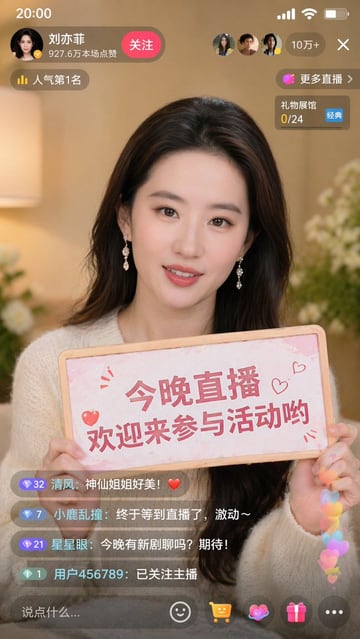
Liu Yifei Douyin Livestream Screenshot
9:16 的图片比例,生成一张抖音直播的截图,里面是 刘亦菲 在直播,刘亦菲 手里拿着牌子,牌子里写着 今晚直播,欢迎来参亦菲畅聊!