
Image2Studio
Examples

gpt-image-2

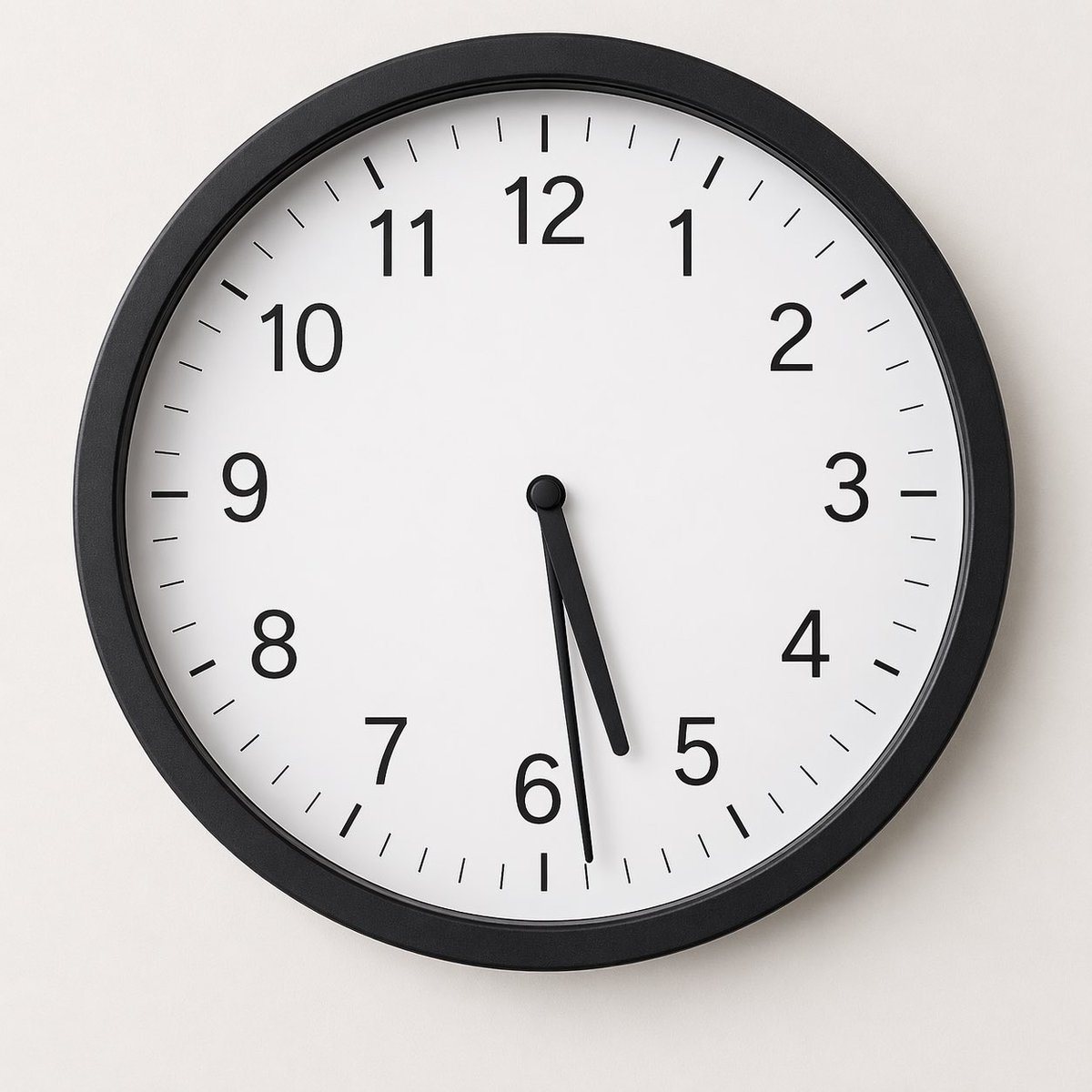
Minimalist Studio Photograph Of A Round Analog Wall Clock Mounted On A S

A minimalist studio photograph of a round analog wall clock mounted on a smooth light gray wall, centered in frame and viewed straight on. The clock has a matte black circular frame, a cl...

A minimalist studio photograph of a round analog wall clock mounted on a smooth light gray wall, centered in frame and viewed straight on. The clock has a matte black circular frame, a cl...
Prompt

A minimalist studio photograph of a round analog wall clock mounted on a smooth light gray wall, centered in frame and viewed straight on. The clock has a matte black circular frame, a clean white face, black Arabic numerals 1 through 12, and thin black minute tick marks around the entire dial with thicker hour marks at each numeral. Show exactly 12 numerals and 60 minute divisions. The time displayed is {argument name="clock time" default="05:29"}: the short hour hand is slightly past 5, the longer minute hand points to the 29-minute mark just before the 6, and a very thin black second hand is near the lower part of the dial around the 31-second position. Soft even lighting, subtle realistic shadow on the wall, high-detail product-photography realism, neutral modern interior aesthetic, no branding, no extra objects, square composition.

Prompt structure
  • Modelgpt-image-2
  • Use casebrand-identity
  • Stylephotorealistic, minimal
  • Aspect ratioFlexible
Best used for
  • Use casebrand-identity
  • Stylephotorealistic, minimal
  • Recommended specs1:1, 4:5, 16:9, or 9:16
  • ModelGPT Image 2
How to customize

Use this Minimalist Studio Photograph Of A Round Analog Wall Clock Mounted On A S prompt as a base. Replace the subject, product details, environment, lighting, brand colors, and output ratio while keeping the brand-identity intent and photorealistic, minimal direction stable.

Editable variables
  • SubjectReplace the product, person, scene, interface, or object being generated.
  • Use caseKeep or rewrite the destination as brand identity, ad creative, cover image, poster, or ecommerce hero.
  • FrameChoose 1:1, 4:5, 16:9, or 9:16 based on the final placement.
  • Brand cuesAdd colors, materials, props, text-safe space, and the platform where the image will be used.
Recommended specs

Choose the frame for the destination first, then use 1K, 2K, or 4K based on output quality needs. Product images and posters usually benefit from higher resolution.

Pre-generation checklist
  • CheckSubject, lighting, composition, and frame are specific enough to review.
  • CheckText-safe space is included when the image will carry a headline or ad copy.
  • CheckResolution, credit cost, and final destination are checked before generation.
Why this prompt works

Minimalist Studio Photograph Of A Round Analog Wall Clock Mounted On A S works because it starts from the image job, then controls subject, composition, lighting, style, and frame. It is best for brand identity while keeping the photorealistic, minimal direction stable.

Common questions
  • Can I use it directly?Yes. Replace the subject, brand cues, and frame, then generate in Image2Studio.
  • Which ratio should I use?Choose 1:1, 4:5, 16:9, or 9:16 based on the destination.




