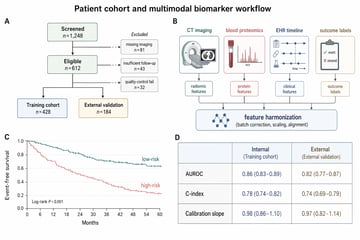
Patient cohort and multimodal biomarker workflow
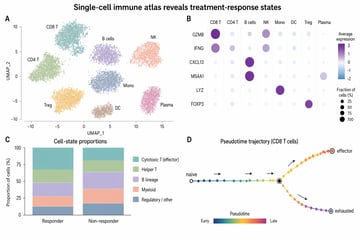
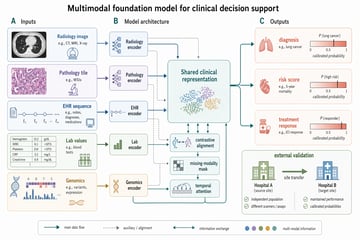
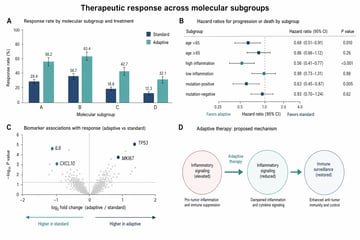
Create a Nature Medicine / Science Translational Medicine style research paper figure, landscape 3:2 (1536×1024), soft literature-science palette, minimal and elegant. Figure title: "Patient cohort and multimodal biomarker workflow". Layout: a clean 4-panel academic figure labeled A–D with small bold panel letters. A. CONSORT-style patient cohort flow diagram: "Screened n=1,248" → "Eligible n=612" → branch into "Training cohort n=428" and "External validation n=184". Include exclusion side boxes: "missing imaging n=81", "insufficient follow-up n=43", "quality-control fail n=32". B. Multimodal sample-processing flow: icons for "CT imaging", "blood proteomics", "EHR timeline", "outcome labels" flowing into a pale-blue fusion box "feature harmonization". C. Small Kaplan–Meier survival plot with two clean curves labeled "low-risk" and "high-risk", muted teal vs soft rose, x-axis "Months", y-axis "Event-free survival". D. Compact table-style performance summary with three rows: "AUROC", "C-index", "Calibration slope" and two columns "Internal" / "External". Style requirements: white background, light gray axes, thin lines, ample margins, muted teal, dusty blue, soft coral, pale sand, no neon, no dark background, Nature journal figure aesthetics, readable labels, precise arrows, subtle gridlines, no decorative clutter, no fake logos, no watermark.