Image2Studio
Examples

gpt-image-2

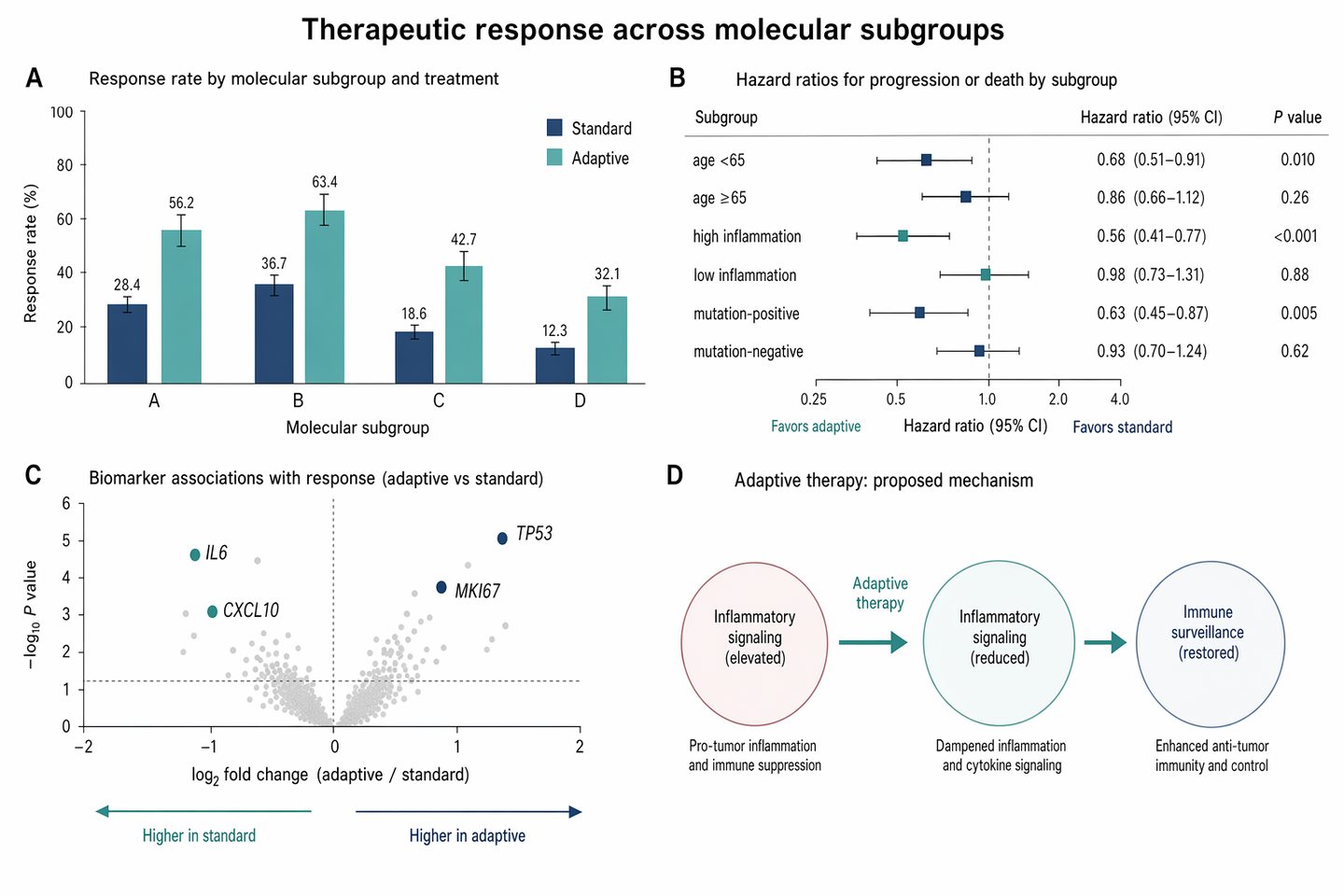
Therapeutic response bar and forest plot

Social Media Post prompt for infographics, ready to edit and generate in Image2Studio.

Social Media Post prompt for infographics, ready to edit and generate in Image2Studio.
Prompt

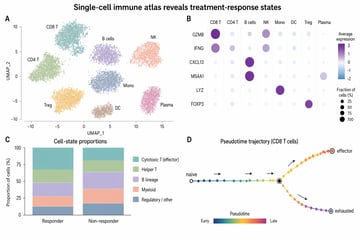
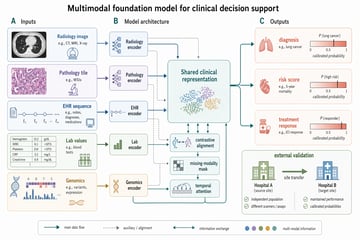
Create a Nature Medicine style statistical results figure, landscape 3:2 (1536×1024), soft, restrained, publication-quality. Figure title: "Therapeutic response across molecular subgroups". Layout: 4-panel figure labeled A–D. A. Grouped bar chart: response rate (%) for four subgroups "A", "B", "C", "D" across two treatments "standard" and "adaptive". Use muted navy and soft teal bars, thin error bars, numeric labels. B. Forest plot of hazard ratios for subgroups with a vertical reference line at HR=1.0; rows "age <65", "age ≥65", "high inflammation", "low inflammation", "mutation-positive", "mutation-negative". Use small squares and confidence intervals. C. Volcano-style biomarker association plot with pale gray background points and highlighted labeled markers "IL6", "CXCL10", "TP53", "MKI67". D. Minimal mechanism schematic: adaptive therapy reduces inflammatory signaling and restores immune surveillance; use three clean nodes connected by arrows, no complex biology drawings. Style requirements: literature-science aesthetic, white background, soft desaturated colors, thin gray axes, clear legends, compact labels, generous margins, Nature-style figure polish, no fake values that look too random, no decorative background, no watermark.

Prompt structure
  • Modelgpt-image-2
  • Use casesocial-media-post
  • Styleminimal, editorial
  • Aspect ratiolandscape
Best used for
  • Use casesocial-media-post
  • Styleminimal, editorial
  • Recommended specslandscape
  • ModelGPT Image 2
How to customize

Use this Therapeutic response bar and forest plot prompt as a base. Replace the subject, product details, environment, lighting, brand colors, and output ratio while keeping the social-media-post intent and minimal, editorial direction stable.

Editable variables
  • SubjectReplace the product, person, scene, interface, or object being generated.
  • Use caseKeep or rewrite the destination as social media post, ad creative, cover image, poster, or ecommerce hero.
  • Framelandscape
  • Brand cuesAdd colors, materials, props, text-safe space, and the platform where the image will be used.
Recommended specs

Choose the frame for the destination first, then use 1K, 2K, or 4K based on output quality needs. Product images and posters usually benefit from higher resolution.

Pre-generation checklist
  • CheckSubject, lighting, composition, and frame are specific enough to review.
  • CheckText-safe space is included when the image will carry a headline or ad copy.
  • CheckResolution, credit cost, and final destination are checked before generation.
Why this prompt works

Therapeutic response bar and forest plot works because it starts from the image job, then controls subject, composition, lighting, style, and frame. It is best for social media post while keeping the minimal, editorial direction stable.

Common questions
  • Can I use it directly?Yes. Replace the subject, brand cues, and frame, then generate in Image2Studio.
  • Which ratio should I use?landscape