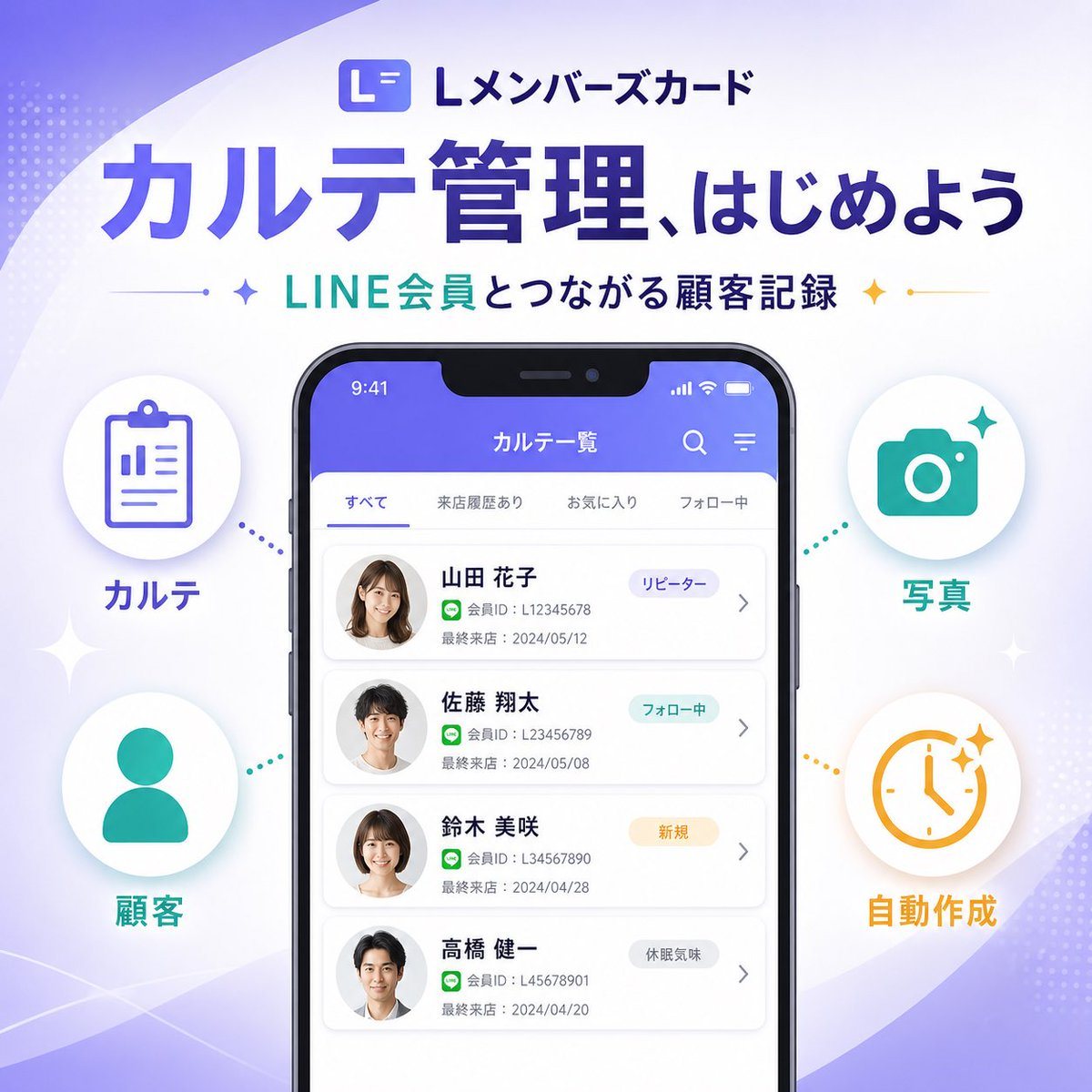
Prompt{"type":"SaaS feature update promotional infographic banner","style":"clean modern Japanese tech marketing, high-quality infographic, soft gradient background, polished UI mockup, minimal and trustworthy","canvas":{"aspect_ratio":"1:1","background":"white base with flowing lavender and pale purple abstract wave shapes in the corners, faint dotted halftone textures, subtle sparkle accents"},"branding":{"top_logo":{"icon":"rounded square app icon with a stylized white L on a purple gradient background","text":"Lメンバーズカード"},"headline":"{argument name=\"headline text\" default=\"カルテ管理、はじめよう\"}","subheadline":"{argument name=\"subheadline text\" default=\"LINE会員とつながる顧客記録\"}","headline_style":"large bold Japanese sans-serif in deep purple","subheadline_style":"medium bold Japanese sans-serif with teal and dark navy emphasis, small star icons and thin divider lines on both sides"},"layout":{"centerpiece":"large front-facing smartphone mockup centered vertically, slightly lower than the headline","sections":[{"title":"left features","position":"left side of phone","count":2,"labels":["カルテ","顧客"],"items":[{"shape":"white circular badge with soft shadow","icon":"purple clipboard line icon","label":"カルテ","accent":"purple dotted connector pointing toward phone"},{"shape":"white circular badge with soft shadow","icon":"teal person silhouette icon","label":"顧客","accent":"teal dotted connector pointing toward phone"}]},{"title":"right features","position":"right side of phone","count":2,"labels":["写真","自動作成"],"items":[{"shape":"white circular badge with soft shadow","icon":"teal camera icon","label":"写真","accent":"teal dotted connector pointing toward phone"},{"shape":"white circular badge with soft shadow","icon":"orange clock icon with sparkles","label":"自動作成","accent":"orange dotted connector pointing toward phone"}]}],"decorations_count":6},"app_screen":{"screen_title":"カルテ一覧","status_bar":{"time":"9:41","battery":true,"signal":true},"top_icons_count":2,"top_icons":["search","menu"],"tabs":{"count":4,"labels":["すべて","来店履歴あり","お気に入り","フォロー中"],"active":"すべて"},"customer_cards":{"count":4,"items":[{"name":"{argument name=\"customer name 1\" default=\"山田 花子\"}","member_id":"L12345678","last_visit":"2024/05/12","tag":"リピーター","avatar":"blurred female headshot"},{"name":"佐藤 翔太","member_id":"L123456789","last_visit":"2024/05/08","tag":"フォロー中","avatar":"blurred male headshot"},{"name":"鈴木 美咲","member_id":"L34567890","last_visit":"2024/04/28","tag":"新規","avatar":"blurred female headshot"},{"name":"高橋 健一","member_id":"L45678901","last_visit":"2024/04/20","tag":"休眠気味","avatar":"blurred male headshot"}]},"ui_style":"rounded white list cards on a very light gray background, purple app header, subtle shadows, Japanese sans-serif typography"},"color_palette":{"primary":"#5B5CEB to #6C63FF","secondary":"#22C7B8","accent":"#F4B23A","text_dark":"#2B2E5B","white":"#FFFFFF"},"rendering":"crisp vector-like marketing graphic with realistic smartphone frame, centered balanced composition, premium SaaS launch banner aesthetic"}