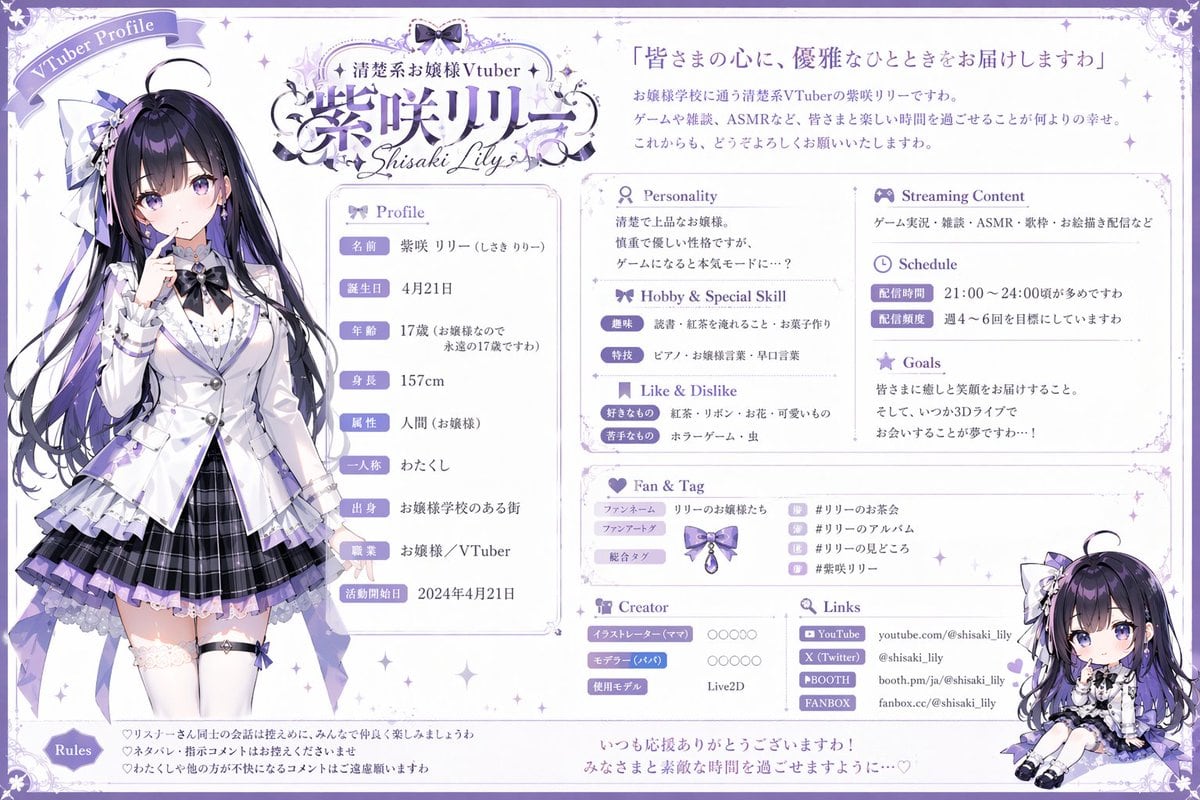
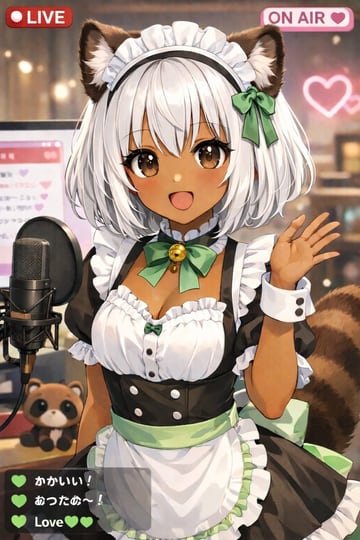
Prompt{ "type": "VTuber profile sheet", "theme": "{argument name=\"color theme\" default=\"purple and white\"}, elegant, lace, ribbon motifs", "character": { "name": "{argument name=\"character name\" default=\"紫咲リリー\"}", "archetype": "{argument name=\"character archetype\" default=\"elegant ojousama\"}", "appearance": "anime girl, long black hair with purple highlights, purple eyes, wearing a white blazer, purple pleated skirt, thigh-highs, ribbons", "pose": "standing, finger to lips, looking slightly to the side" }, "chibi_character": { "appearance": "same character in chibi form", "pose": "sitting down, smiling" }, "layout": { "header": { "top_left": "Ribbon banner reading 'VTuber Profile'", "top_center": "Logo with text '{argument name=\"vtuber type\" default=\"清楚系お嬢様Vtuber\"}' and '{argument name=\"character name\" default=\"紫咲リリー\"}' and 'Shisaki Lily'", "top_right": "Quote '{argument name=\"catchphrase\" default=\"皆さまの心に、優雅なひとときをお届けしますわ\"}' followed by a 3-line introductory paragraph" }, "columns": [ { "position": "left", "content": "Full-body character portrait" }, { "position": "center", "sections": [ { "title": "Profile", "count": 9, "labels": ["名前", "誕生日", "年齢", "身長", "属性", "一人称", "出身", "職業", "活動開始日"] }, { "title": "Personality", "content": "2-line text block" }, { "title": "Hobby & Special Skill", "count": 2, "labels": ["趣味", "特技"] }, { "title": "Like & Dislike", "count": 2, "labels": ["好きなもの", "苦手なもの"] } ] }, { "position": "right", "sections": [ { "title": "Streaming Content", "content": "1-line text block" }, { "title": "Schedule", "count": 2, "labels": ["配信時間", "配信頻度"] }, { "title": "Goals", "content": "3-line text block" }, { "title": "Fan & Tag", "count": 3, "labels": ["ファンネーム", "ファンアートタグ", "総合タグ"], "extra": "4 hashtag rows with small icons" }, { "title": "Creator", "count": 3, "labels": ["イラストレーター (ママ)", "モデラー (パパ)", "使用モデル"] }, { "title": "Links", "count": 4, "labels": ["YouTube", "X (Twitter)", "BOOTH", "FANBOX"] }, { "content": "Chibi character illustration placed at the bottom right corner" } ] } ], "footer": { "sections": [ { "title": "Rules", "count": 3, "description": "3 bullet points with heart icons" }, { "content": "2-line closing message at the bottom center" } ] } } }
How to customizeUse this VTuber Profile Sheet prompt as a base. Replace the subject, product details, environment, lighting, brand colors, and output ratio while keeping the social-media-post intent and luxury, anime, editorial, watercolor direction stable.