
Image2Studio
Examples

gpt-image-2

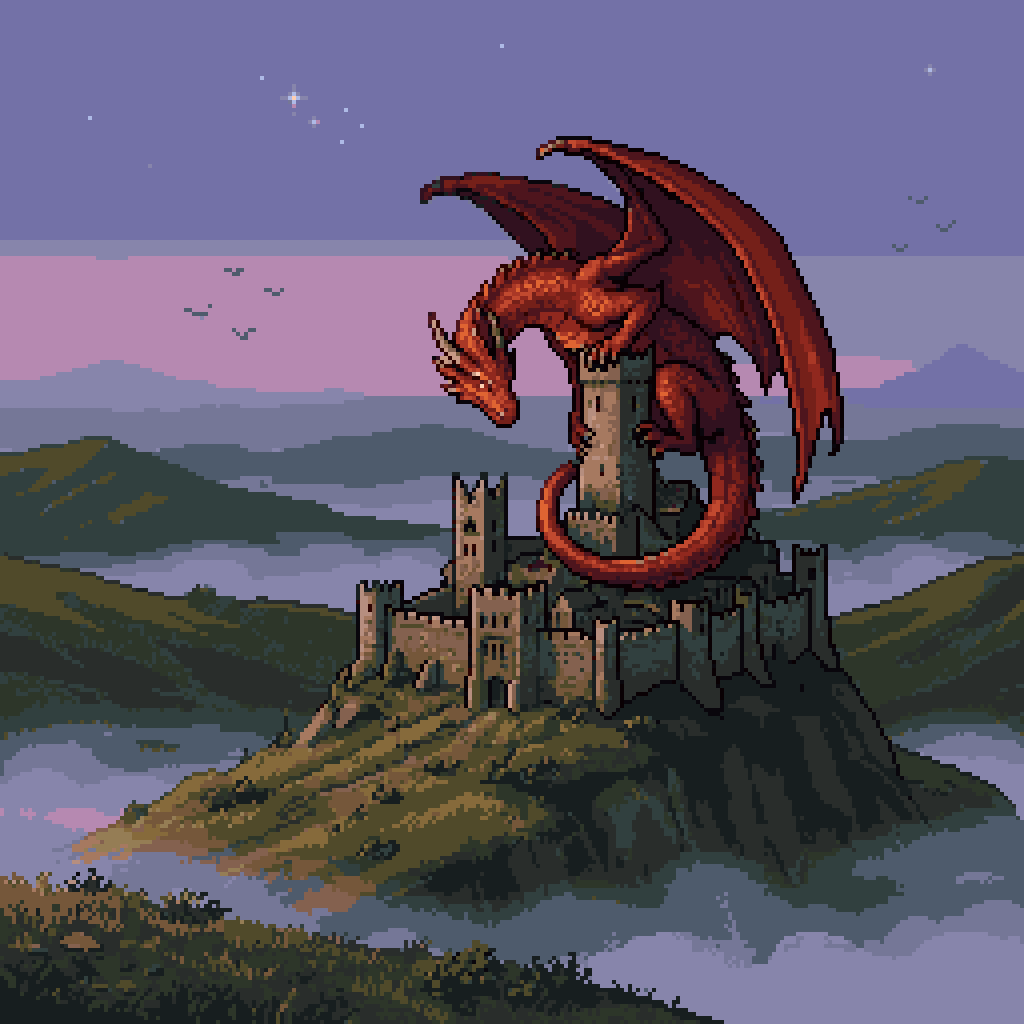
Retro Fantasy Pixel Art Scene In A 256x256 Square Composition

A retro fantasy pixel art scene in a 256x256 square composition, showing a huge red dragon perched protectively on the tallest central tower of an ancient stone castle. The dragon has a l...

A retro fantasy pixel art scene in a 256x256 square composition, showing a huge red dragon perched protectively on the tallest central tower of an ancient stone castle. The dragon has a l...
Prompt

A retro fantasy pixel art scene in a 256x256 square composition, showing a huge red dragon perched protectively on the tallest central tower of an ancient stone castle. The dragon has a long curled tail wrapped around the tower, large spread batlike wings, a lowered horned head facing left, and a glowing fiery red-orange body with dark maroon shadows and crisp black pixel outlines. The castle is a weathered medieval fortress with multiple towers, crenellated walls, and small dark windows, sitting on top of a steep rocky hill. Surrounding the hill are rolling green and brown mountains partially covered by pale fog and low clouds, creating layered atmospheric depth. The sky is dusky twilight with a lavender and muted purple gradient, a few tiny white stars, and several distant birds as dark pixel silhouettes. Use classic 16-bit inspired sprite art, limited color palette, visible pixel grid, clean silhouette design, dramatic fantasy mood, side view landscape framing, and subtle old-game atmosphere.

Prompt structure
  • Modelgpt-image-2
  • Use casesocial-media-post
  • Stylecinematic, minimal
  • Aspect ratioFlexible
Best used for
  • Use casesocial-media-post
  • Stylecinematic, minimal
  • Recommended specs1:1, 4:5, 16:9, or 9:16
  • ModelGPT Image 2
How to customize

Use this Retro Fantasy Pixel Art Scene In A 256x256 Square Composition prompt as a base. Replace the subject, product details, environment, lighting, brand colors, and output ratio while keeping the social-media-post intent and cinematic, minimal direction stable.

Editable variables
  • SubjectReplace the product, person, scene, interface, or object being generated.
  • Use caseKeep or rewrite the destination as social media post, ad creative, cover image, poster, or ecommerce hero.
  • FrameChoose 1:1, 4:5, 16:9, or 9:16 based on the final placement.
  • Brand cuesAdd colors, materials, props, text-safe space, and the platform where the image will be used.
Recommended specs

Choose the frame for the destination first, then use 1K, 2K, or 4K based on output quality needs. Product images and posters usually benefit from higher resolution.

Pre-generation checklist
  • CheckSubject, lighting, composition, and frame are specific enough to review.
  • CheckText-safe space is included when the image will carry a headline or ad copy.
  • CheckResolution, credit cost, and final destination are checked before generation.
Why this prompt works

Retro Fantasy Pixel Art Scene In A 256x256 Square Composition works because it starts from the image job, then controls subject, composition, lighting, style, and frame. It is best for social media post while keeping the cinematic, minimal direction stable.

Common questions
  • Can I use it directly?Yes. Replace the subject, brand cues, and frame, then generate in Image2Studio.
  • Which ratio should I use?Choose 1:1, 4:5, 16:9, or 9:16 based on the destination.




