
Image2Studio
Examples

gpt-image-2

Painterly Wildlife Photograph

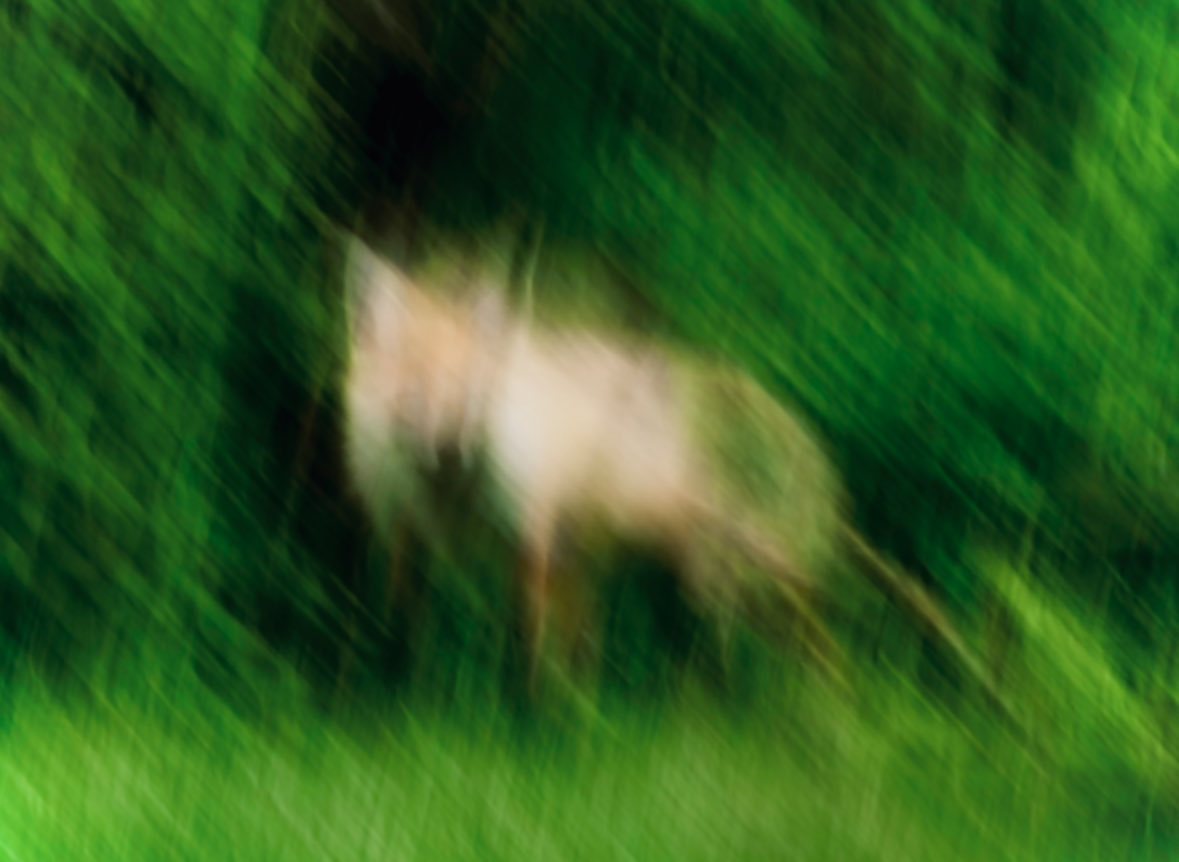
A painterly wildlife photograph with strong intentional motion blur, showing 1 deer-like animal in a lush green forest clearing. The animal stands slightly left of center in side profile...

A painterly wildlife photograph with strong intentional motion blur, showing 1 deer-like animal in a lush green forest clearing. The animal stands slightly left of center in side profile...
Prompt

A painterly wildlife photograph with strong intentional motion blur, showing 1 deer-like animal in a lush green forest clearing. The animal stands slightly left of center in side profile facing left, with a pale tan to cream body, slender legs, and a soft indistinct head and ears, partially emerging from a dark shadowy opening in dense foliage. The entire image is heavily smeared with diagonal and vertical camera motion, creating an impressionistic, dreamlike effect rather than sharp detail. Surround the subject with saturated summer greenery: deep emerald bushes in the background, darker forest shadows near the upper left, and bright vivid grass across the foreground. Use natural outdoor daylight, rich green tones, soft contrast, and an abstract photographic style that feels like a fleeting glimpse of wildlife captured while moving. No people, no text, no buildings, no extra animals.

Prompt structure
  • Modelgpt-image-2
  • Use casesocial-media-post
  • Stylephotorealistic
  • Aspect ratioFlexible
Best used for
  • Use casesocial-media-post
  • Stylephotorealistic
  • Recommended specs1:1, 4:5, 16:9, or 9:16
  • ModelGPT Image 2
How to customize

Use this Painterly Wildlife Photograph prompt as a base. Replace the subject, product details, environment, lighting, brand colors, and output ratio while keeping the social-media-post intent and photorealistic direction stable.

Editable variables
  • SubjectReplace the product, person, scene, interface, or object being generated.
  • Use caseKeep or rewrite the destination as social media post, ad creative, cover image, poster, or ecommerce hero.
  • FrameChoose 1:1, 4:5, 16:9, or 9:16 based on the final placement.
  • Brand cuesAdd colors, materials, props, text-safe space, and the platform where the image will be used.
Recommended specs

Choose the frame for the destination first, then use 1K, 2K, or 4K based on output quality needs. Product images and posters usually benefit from higher resolution.

Pre-generation checklist
  • CheckSubject, lighting, composition, and frame are specific enough to review.
  • CheckText-safe space is included when the image will carry a headline or ad copy.
  • CheckResolution, credit cost, and final destination are checked before generation.
Why this prompt works

Painterly Wildlife Photograph works because it starts from the image job, then controls subject, composition, lighting, style, and frame. It is best for social media post while keeping the photorealistic direction stable.

Common questions
  • Can I use it directly?Yes. Replace the subject, brand cues, and frame, then generate in Image2Studio.
  • Which ratio should I use?Choose 1:1, 4:5, 16:9, or 9:16 based on the destination.




