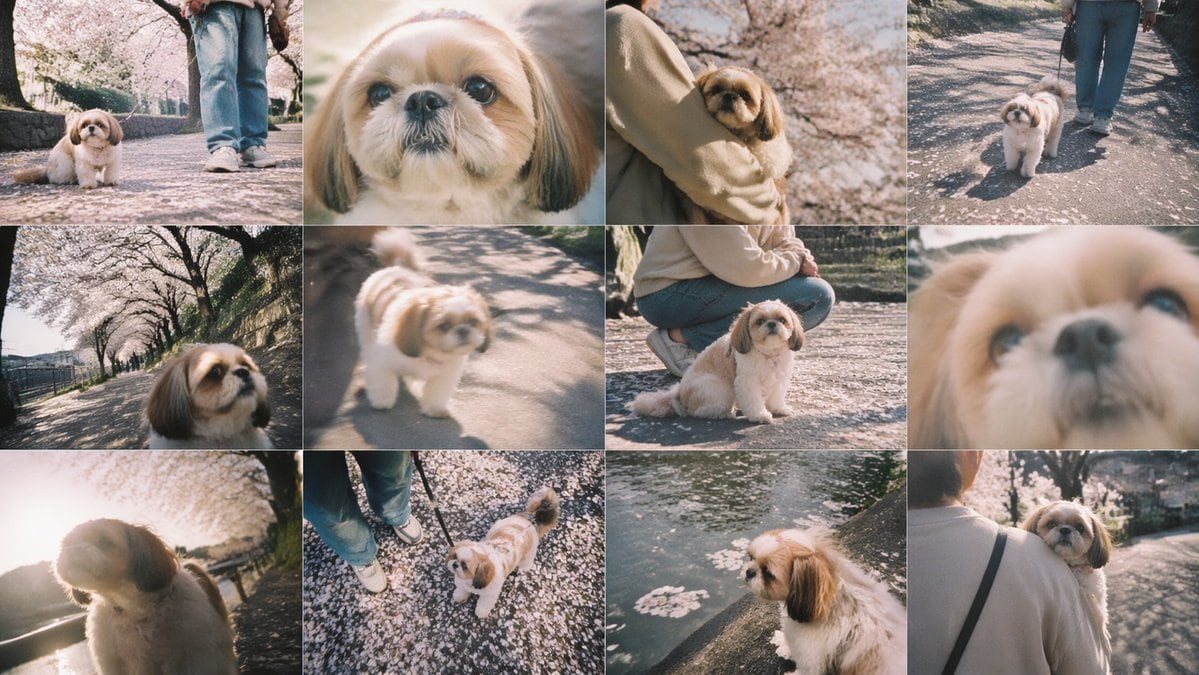
Prompt{"type":"photo collage","style":"soft vintage smartphone photography, dreamy spring atmosphere, slightly faded colors, warm pastel tones, shallow depth of field, natural sunlight, gentle film-like bloom, candid pet snapshots","subject":{"primary":"a small Shih Tzu dog","dog":{"breed":"Shih Tzu","fur":"fluffy cream and white coat with tan-brown ears and face markings","expression":"calm, curious, gentle"},"owner":{"presence":"partially visible in several frames","clothing":"light beige sweatshirt or jacket, blue jeans, white sneakers, black shoulder strap bag"}},"setting":{"location":"a cherry blossom-lined riverside walking path","season":"spring","details":["fallen pink petals scattered across the pavement","rows of blooming sakura trees","stone embankment and canal water","dappled tree shadows on the ground"]},"layout":{"grid":{"rows":3,"columns":4,"count":12},"sections":[{"position":"row 1, column 1","description":"low-angle full-body shot of the dog sitting on a petal-covered path, owner's legs visible behind"},{"position":"row 1, column 2","description":"extreme close-up portrait of the dog's face, partially obscured by a centered beige rectangle censor block"},{"position":"row 1, column 3","description":"the owner holding the dog in their arms under blooming cherry trees, medium close shot"},{"position":"row 1, column 4","description":"the dog walking on a leash beside the owner along the sunlit path"},{"position":"row 2, column 1","description":"wide-angle, slightly tilted close-up of the dog's face with the cherry blossom path receding behind"},{"position":"row 2, column 2","description":"soft-focus candid shot of the dog standing on the path in sunlight"},{"position":"row 2, column 3","description":"the owner crouching beside the seated dog on the petal-covered ground"},{"position":"row 2, column 4","description":"very soft, blurred extreme close-up of the dog's face filling the frame"},{"position":"row 3, column 1","description":"backlit side portrait of the dog with bright sun flare and glowing fur"},{"position":"row 3, column 2","description":"top-down view of the dog looking up at the camera near the owner's shoes on a ground covered with petals"},{"position":"row 3, column 3","description":"side profile of the dog perched beside canal water with floating cherry blossom petals"},{"position":"row 3, column 4","description":"rear view of the owner carrying the dog while walking away along the blossom-lined path"}]},"image_direction":"Create a 12-panel collage of candid pet photos featuring {argument name=\"dog breed\" default=\"a small Shih Tzu\"} during a spring walk under cherry blossoms. Keep the same dog and owner across all panels. Use a nostalgic Japanese snapshot aesthetic with soft blur in some frames, low and wide angles, intimate close-ups, and warm afternoon light. The dog should have {argument name=\"dog appearance\" default=\"fluffy cream and white fur with tan-brown ears\"}. The owner wears {argument name=\"owner outfit\" default=\"a beige top, blue jeans, and white sneakers\"}. The setting is {argument name=\"location\" default=\"a sakura-lined riverside path covered in fallen petals\"}. Include one panel with {argument name=\"censored element\" default=\"a centered beige censor block covering part of an extreme close-up\"}."}